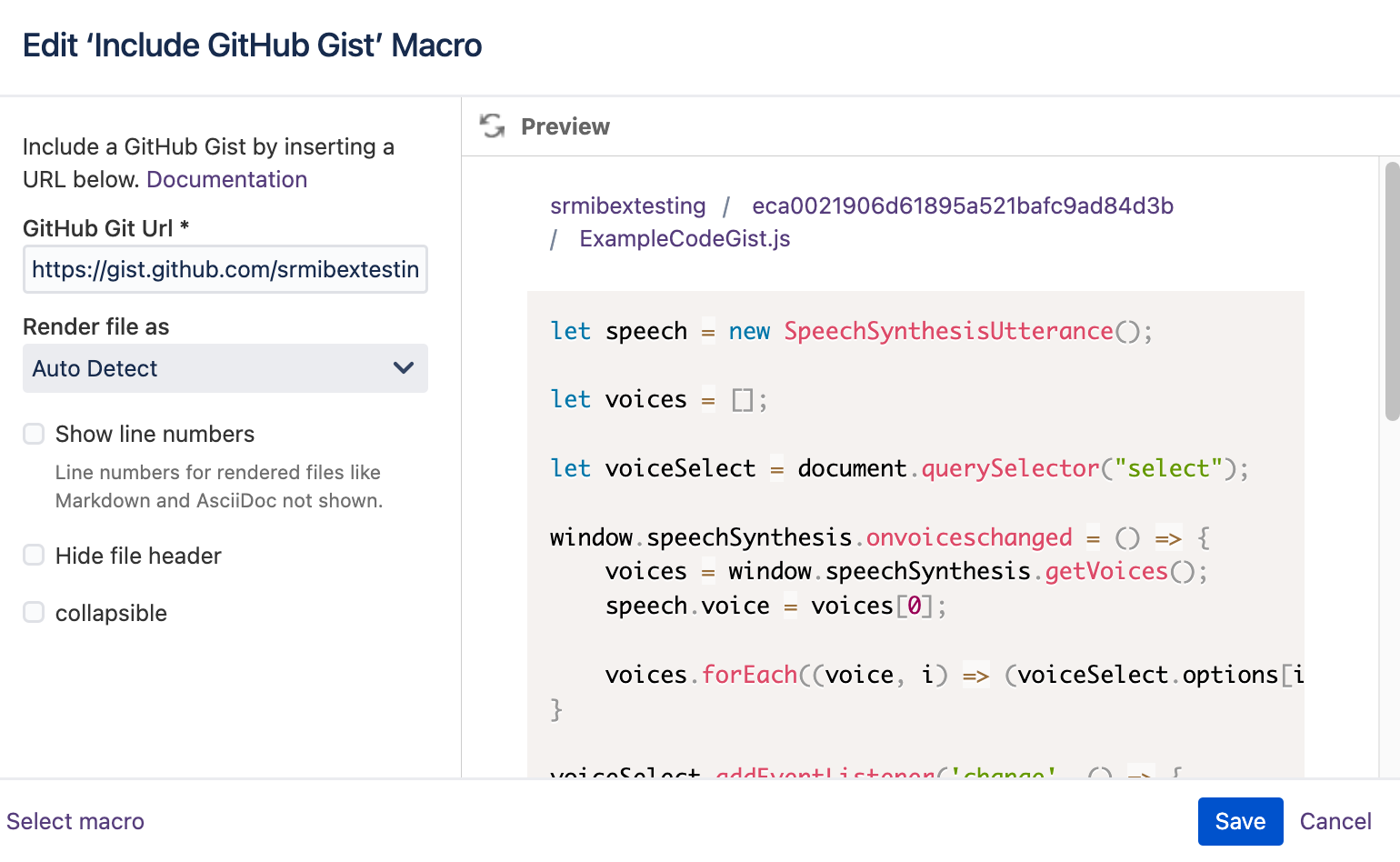
You can include Gists from a GitHub workspace in your Confluence page.
Add the macro
You can either:
-
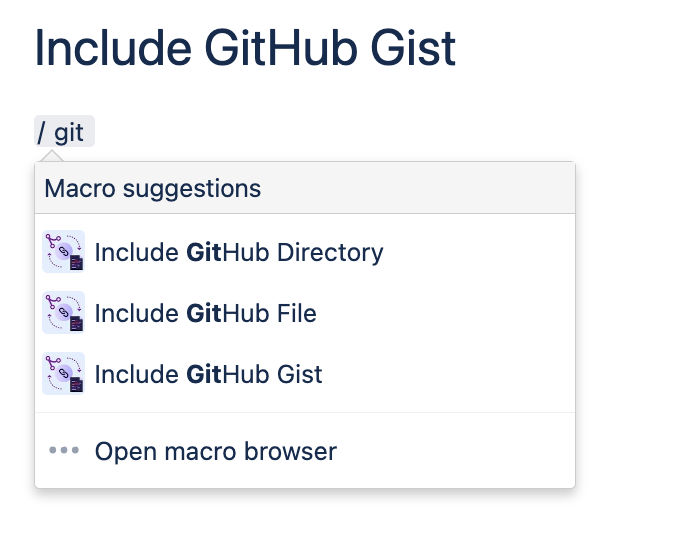
type directly
/ Include GitHub GistandENTERto add and edit the macro, or -
click in the editor toolbar on Insert > Other Macros and select the Include GitHub Gist macro (located in the category “External Content” of the macro library).
You will then be prompted to specify the following:
|
|
URL of the Gist from GitHub |
|---|---|
|
|
Format/ language for highlighting purposes (auto detect is performed by default) |
|
|
Tick to display number of lines in the file |
|
|
Tick to hide header of files rendered |
|
|
Collapses the file content and gives the option to expand and collapse |