Define your own LaTeX macros
The app lets you define your own LaTeX macros and use them in your equations.
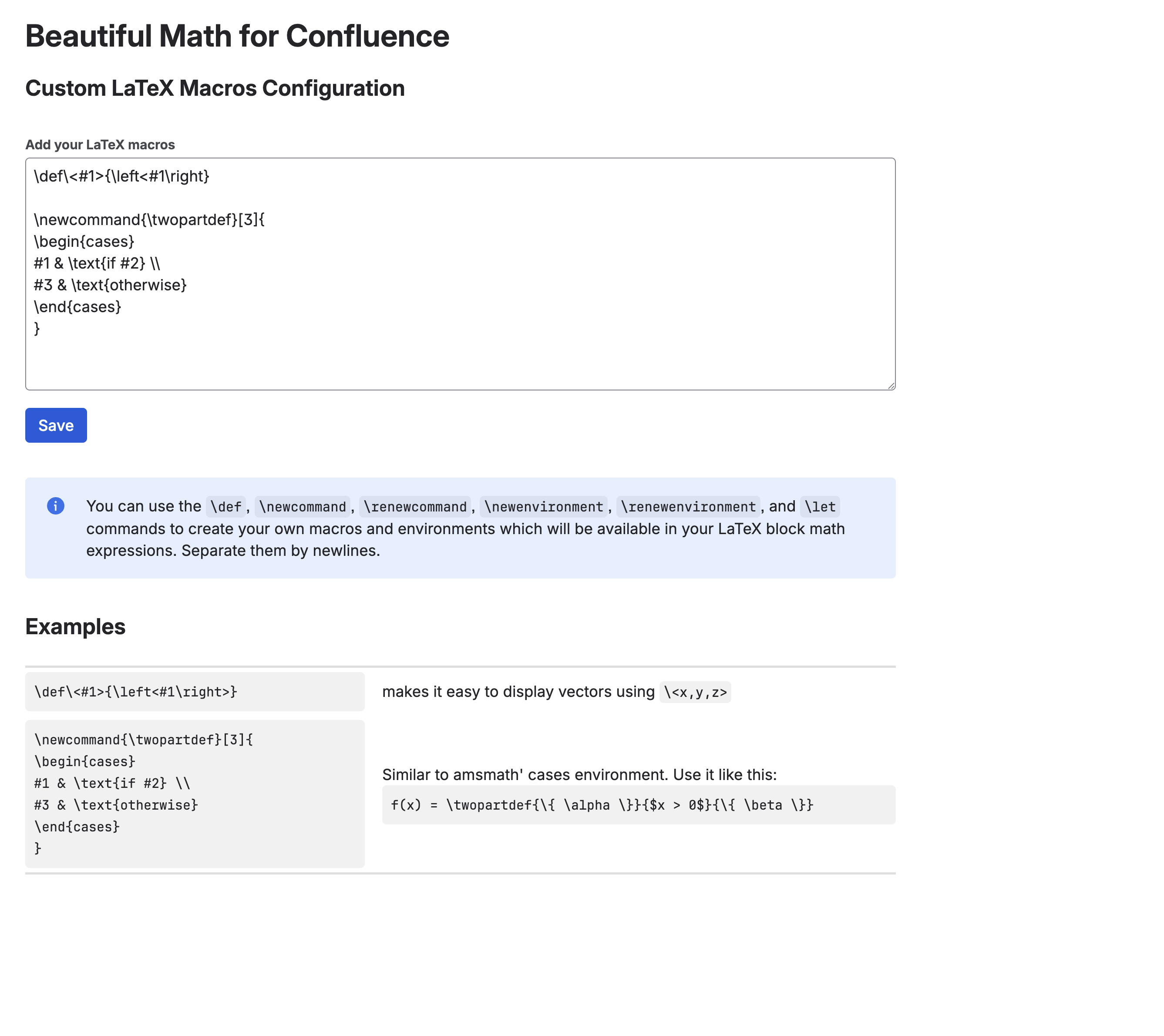
Go to the "Apps" section in your Confluence admin page and click on "Beautiful Math for Confluence". In the text input field, you can specify your LaTeX macros separated by newlines:
Example
In the example below, we define a custom macro that makes it easy to display vector expressions using the simple syntax \vector{n}.
The macro definition is:
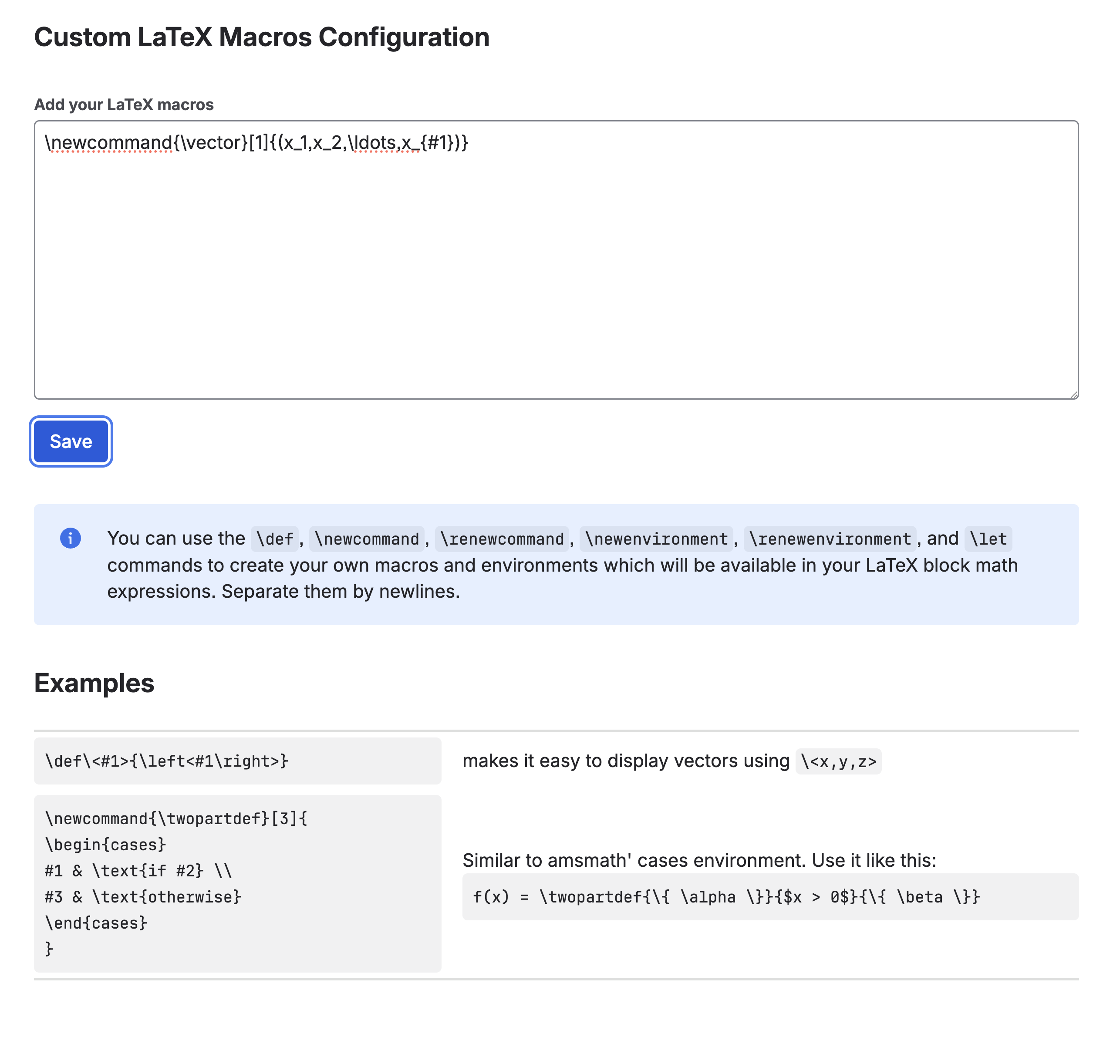
\newcommand{\vector}[1]{(x_1, x_2, \ldots, x_{#1})}
In the Custom LaTeX Macros Configuration form, we add the macro definition as shown here:
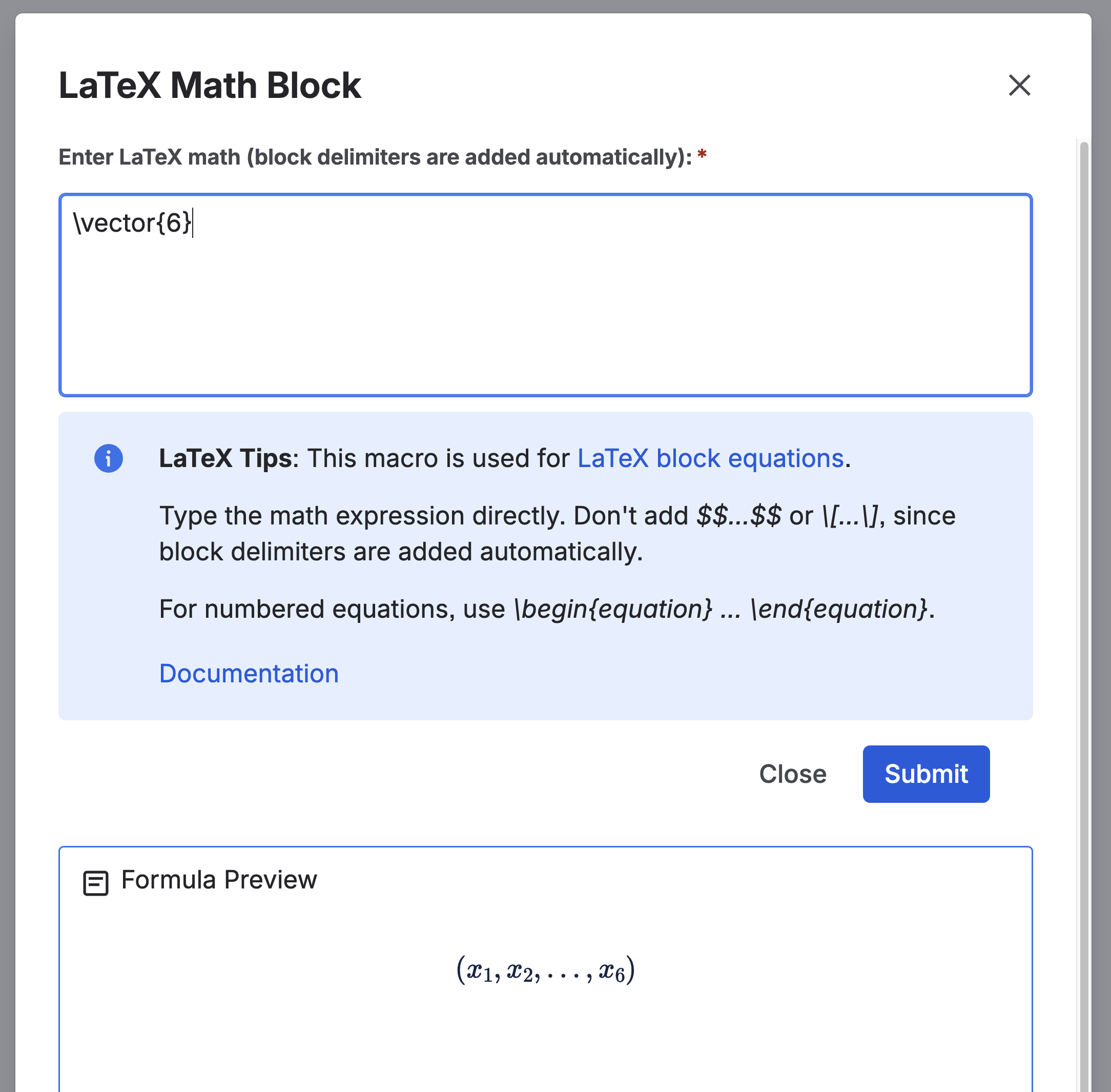
Once defined, you can use the macro like this in the LaTeX Math Block or the LaTex Math Inline macros:
vector{6}
It then renders the formula as shown in the LaTeX Math Block editor’s Formula Preview below: