
-
Verify your SonarQube™ server settings in global settings of Bitbucket (Bitbucket Admin → Include Code Quality)
-
Run SonarQube™ source code analysis for main branch in your build system
-
Check the configuration for the source code analysis
-
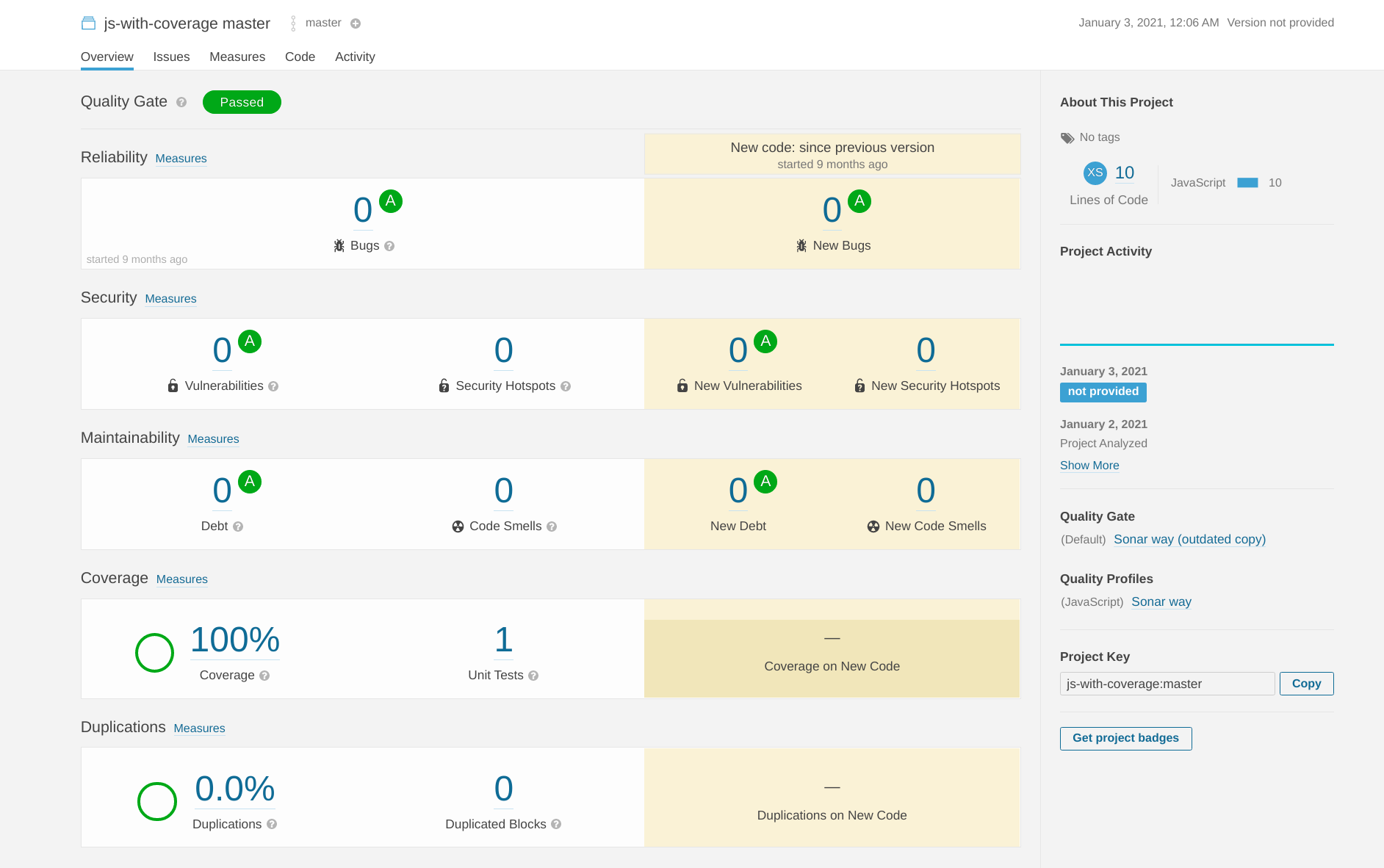
Check that the analysis results are visible in SonarQube™
-
-
Check the configuration of the corresponding SonarQube™ project in the repository settings in Bitbucket
-
Go to source code view in your Bitbucket repository and check if you can see the existing issues/stats
-
You should see the SonarQube™ statistics and issue annotation


-
Statistics and annotations are missing? Verify your Bitbucket repository configuration:
-
Did you configure the correct analysis directory?
-
Does the SonarQube™ project key match with the configuration in Bitbucket?
-
-
-
Create a pull request with issues in the code
-
In your build system, check that the pull request creation did trigger a SonarQube™ source code analysis for the source branch of your pull request
-
Go to the pull request view in Bitbucket and check if the analysis results are visible. You should see a quality gate status overview, and issue annotations in the pull request diff
-
An error ‘Quality gate status unknown’ hints at a wrong analysis configuration or a wrong analysis directory setting, or a SonarQube™ server that cannot be reached
-
An error ‘No active projects’ means that none of the configured project mappings map to a folder of the changed files in the diff.
-
No issue annotations:
-
Verify that you can see the issues that should be shown in SonarQube™
-
Do the issue annotations appear after clicking “Code Quality: Refresh Report” in the pull request context menu? Then check your Webhook configuration
-
-
SONAR™, SONARQUBE™ and SONARCLOUD™ are independent and trademarked products and services of SonarSource SA: see http://sonarsource.com , http://sonarqube.org , http://sonarcloud.io .