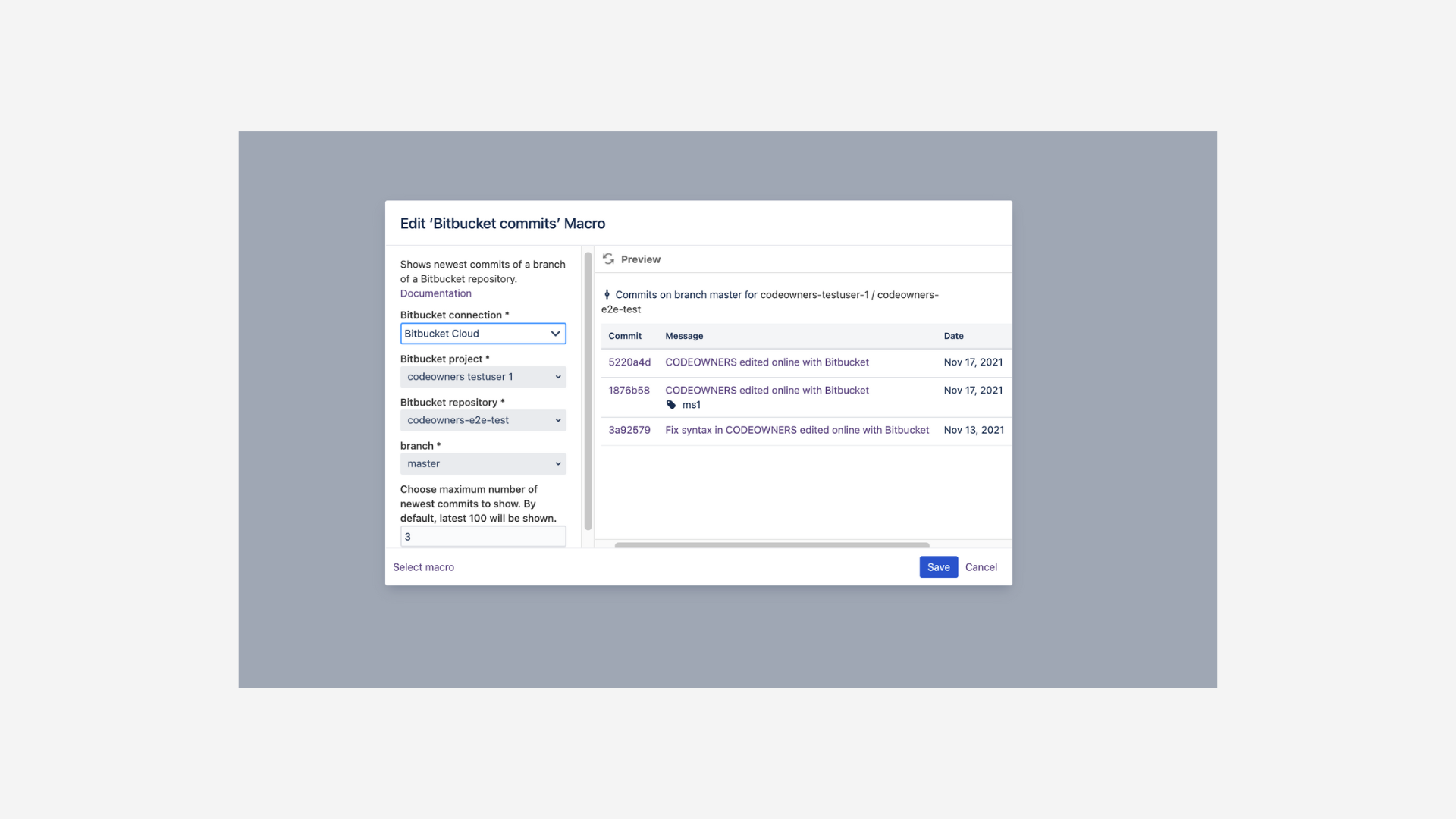
You can include information on commits from a Bitbucket repository by adding lists of commits in your Confluence page. For each commit you will get the commit id, name, date of creation and author.
Add the macro
You can either:
-
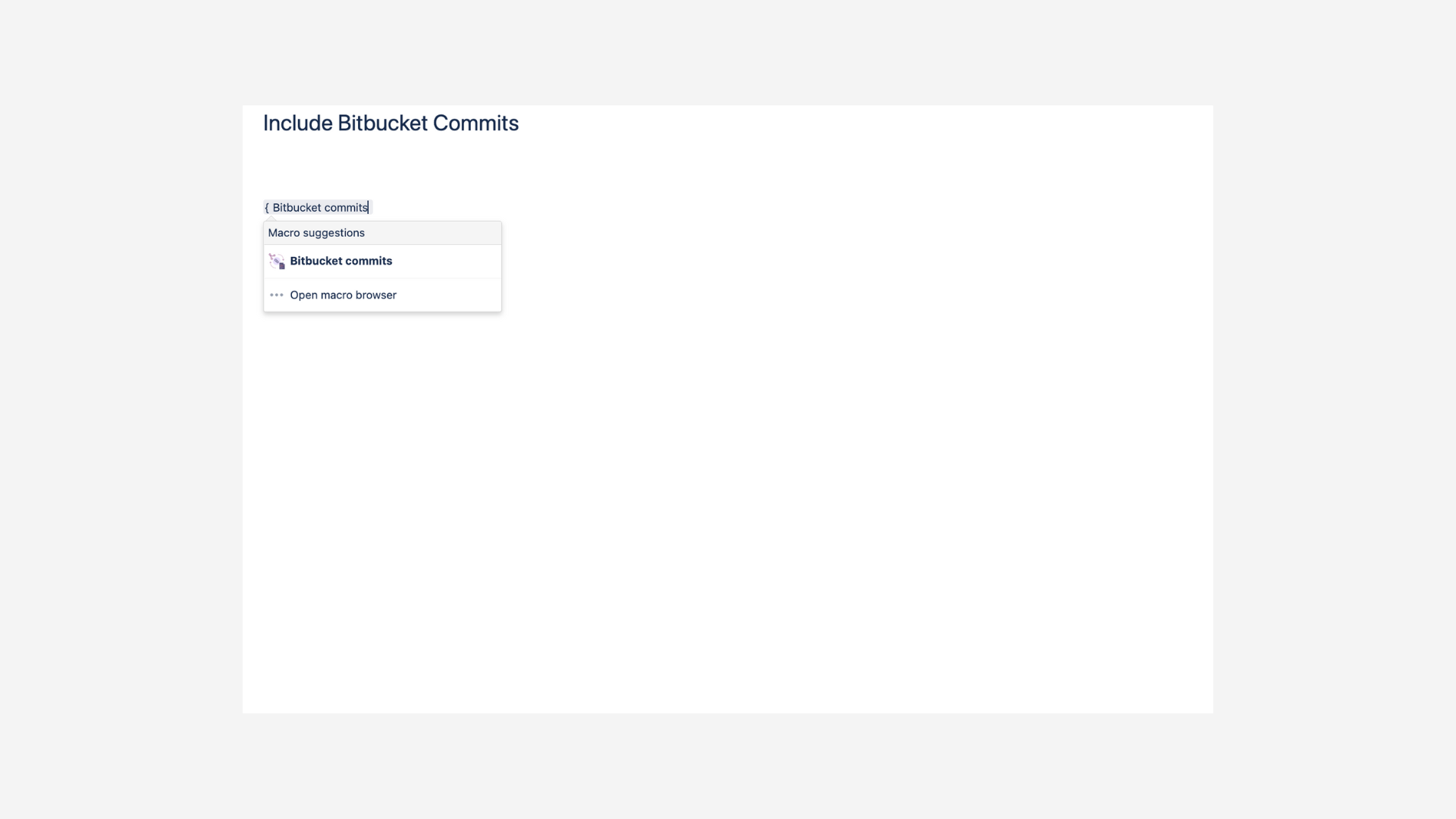
type directly
{ Bitbucket commitsandENTERto add and edit the macro, or -
click in the editor toolbar on Insert > Other Macros and select the Bitbucket commits macro (located in the category “External Content” of the macro library).
Macro settings
You will then be prompted to specify the following:
|
|
Name of the workspace including the repository |
|
|
name of the repository |
|
|
Query used to filter and sort the list of commits. Check out the section below for more information on querying. |