
You can include information on open pull requests from a Bitbucket repository by adding lists of pull requests in your Confluence page. For each pull request you will get the name, id, author, status and creation date.
Add the macro
You can either:
-
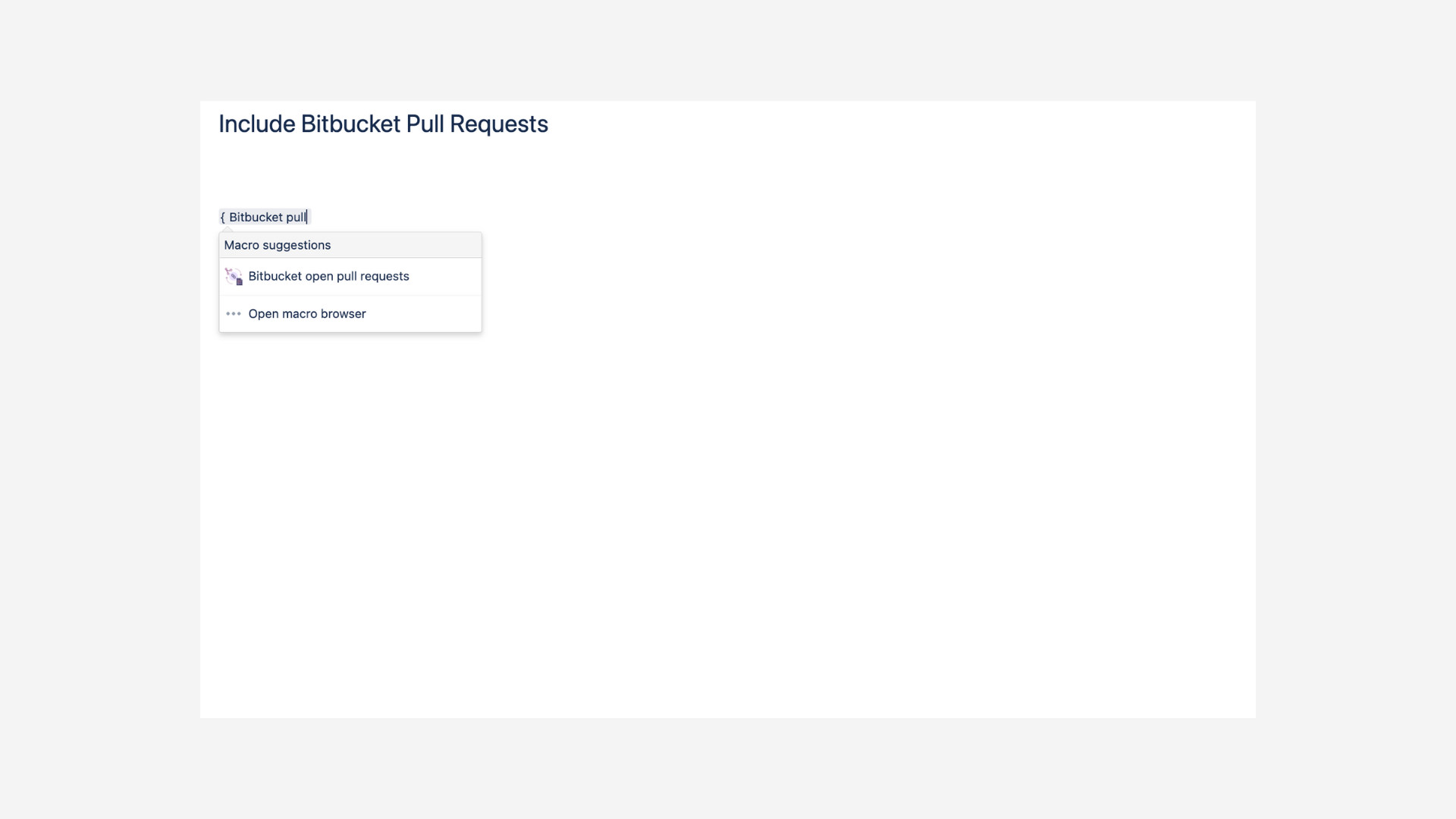
type directly
{ Bitbucket open pull requestsandENTERto add and edit the macro, or -
click in the editor toolbar on Insert > Other Macros and select the Bitbucket open pull requests macro (located in the category “External Content” of the macro library).
Macro settings
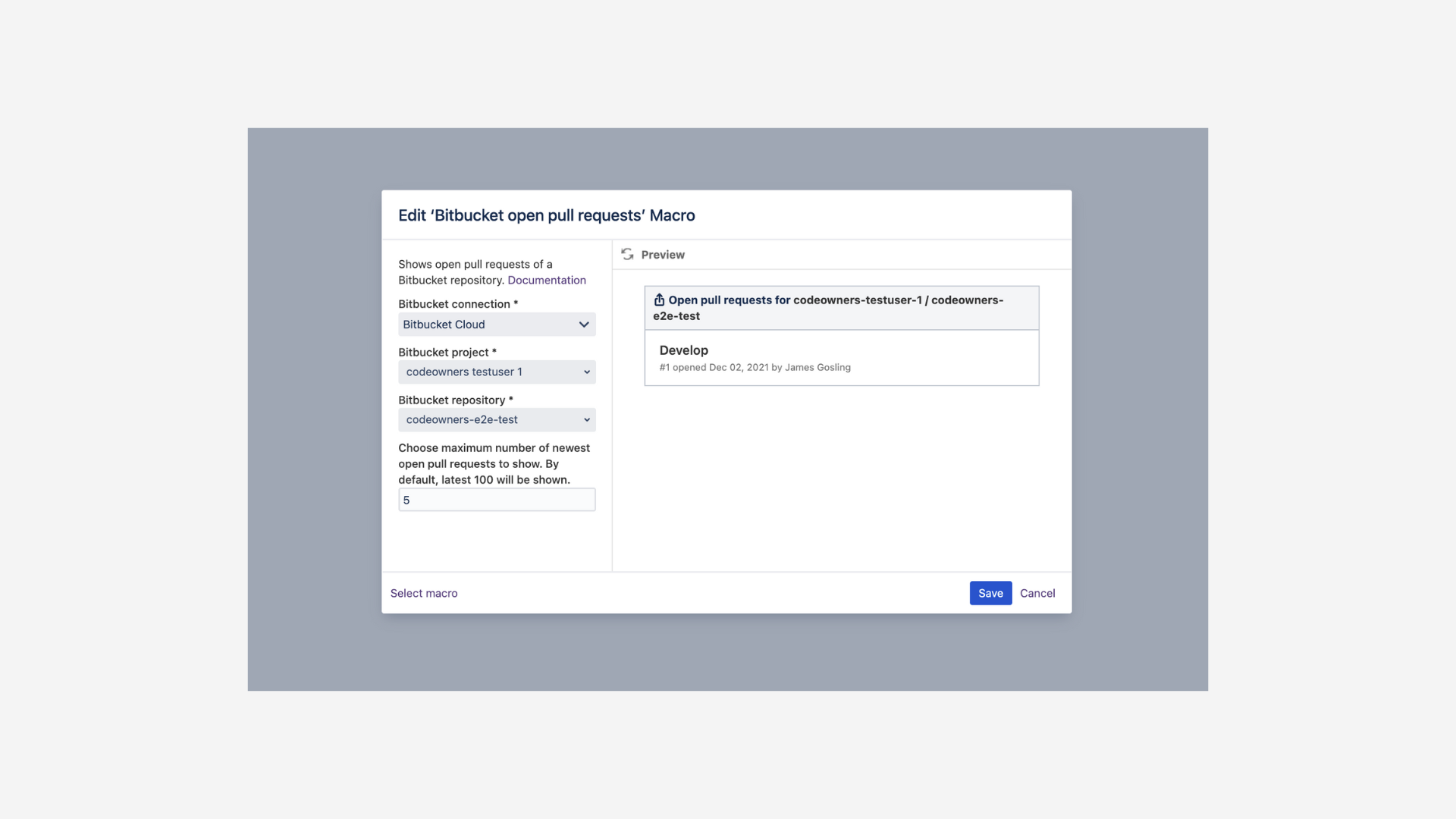
You will then be prompted to specify the following:
|
|
Dropdown of connections registered in the macro configuration |
|---|---|
|
|
Name of the project within the connection containing the targeted repository |
|
|
Name of the repository containing the data |
|
|
Choose number of Pull Requests to be displayed (defaults to 100) |
Discover how to include git metadata, such aspull requests, issues, commits, tags, and branches in Confluence, creating a powerful dashboard for your team.