
Therefore, the notebook size is limited to 4.5MBytes, to ensure that notebook and additional information are not exceeding the 5MByte limit.
Jupyter Viewer for Confluence Cloud: page-attached notebooks do not render; Atlassian authorization error
Problem
Page-attached notebooks do not render within the Insert/Edit macro browser preview window or in-page. Instead, an “Atlassian authorization” error is displayed.
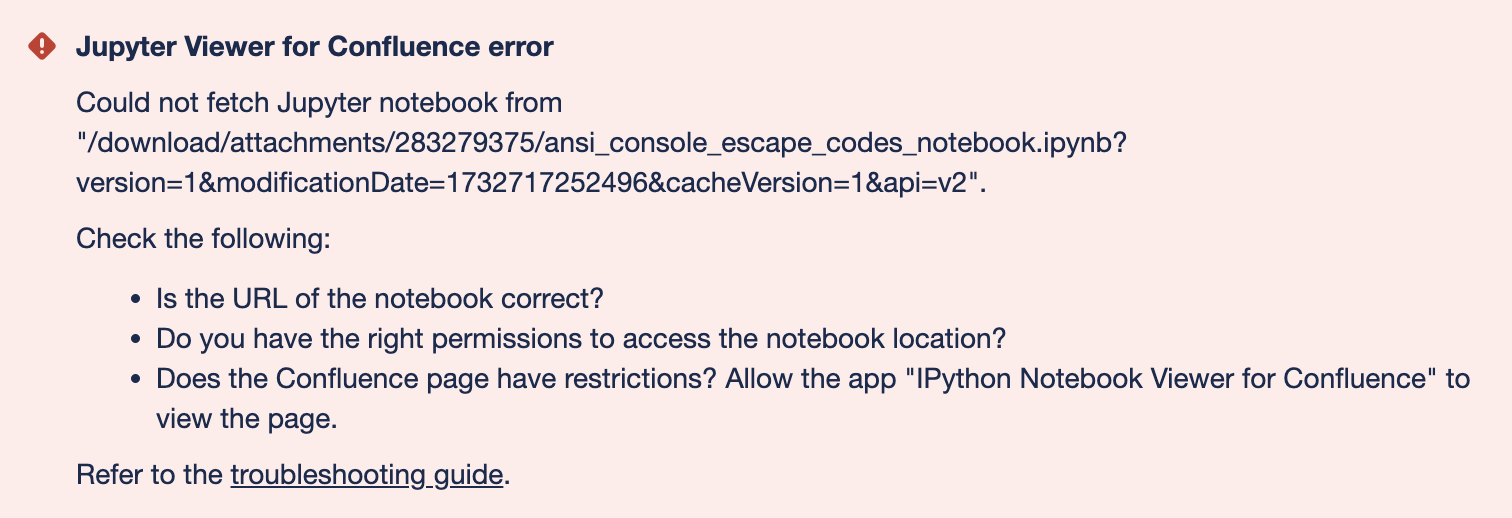
There are three known causes of this erroneous behavior:
-
Missing space permissions for the app
-
App is not allowed to view a restricted page and its attachments
-
IP allowlisting is enabled
-
Notebook URL is from an unsupported location
Solutions
Space permission
The app does not have permission to the Confluence Space containing the notebook attachment.
To resolve, follow the Permission Configuration settings in the Installation guide.
Allowlisting
IP “Allowlisting” (a “Premium” feature) is enabled in the Confluence Cloud security settings.
To resolve, either:
-
Disable this Confluence Cloud feature for the site
-
Whitelist the IP range used by Jupyter Viewer
-
The app uses the Heroku platform in the European zone, so the IP used may be from anywhere in the AWS European range. The latest AWS IP ranges can be programmatically queried by following the AWS guide.
-
Supported notebook locations
Check that the Notebook URL is from a supported notebook location.
Page Restrictions
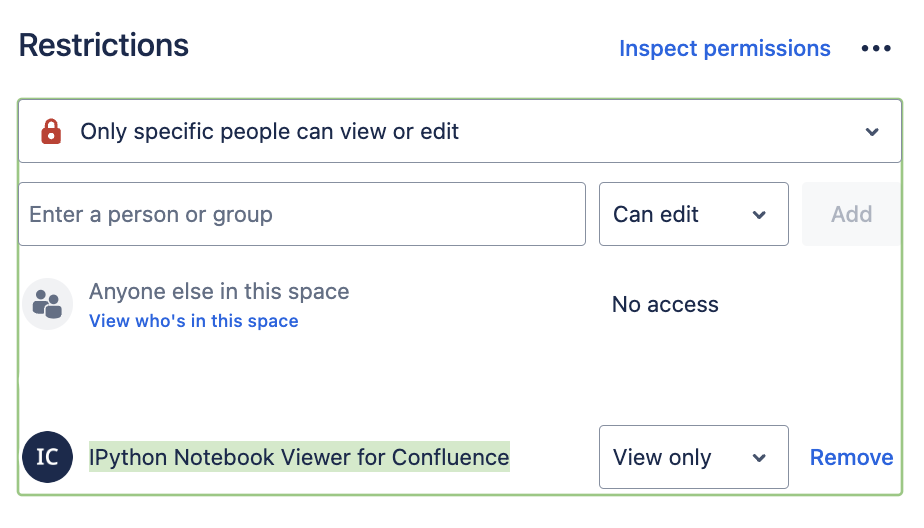
If the Confluence page has restrictions, allow the app "IPython Notebook Viewer for Confluence" to view the page.
Is it possible to define an external Jupyter renderer for IPython Notebook Viewer for Confluence?
It is not possible to define an external renderer. The rendering happens with JavaScript on the client for the cloud and server app.
Why is the Notebook limit at 4.5Mbyte?
We’re currently transitioning our Jupyter Viewer for Confluence macro from Atlassian Connect to Atlassian Forge, Atlassian’s modern cloud development platform.
At this time, Forge restricts responses to 5Mbyte in size. Therefore, the notebook size is limited to 4.5MBytes, to ensure that notebook and additional information are not exceeding the 5MByte limit.
If a higher limit is critical to your workflow, please reach out to us.