
As Repository Admin:
-
go the Code Review Assistant repository settings page.
-
open the AI Review Assistant tab on top.
Request section
|
Section |
Instructions |
|---|---|
|
API URL |
Enter the REST API address for Claude AI: |
|
API Key |
Enter your Claude API key |
|
Headers |
The headers configuration should look like the following 
Check the latest version available on the official Claude documentation.
|
|
Query Parameters |
Leave empty. |
|
Request Body |
The body configuration should look like the following 
|
Response Section
Configure how AI Review Assistant will parse the API response. More details about the syntax here.
|
Section |
Instructions |
|---|---|
|
Success Query |
Enter |
|
Error Query |
Enter |
Test and Save
-
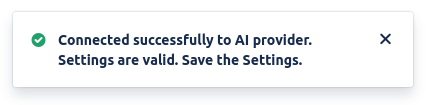
Click on Test and verify that you receive a confirmation message that everything is configured properly.
-
Click on Save.
If you have trouble in configuring our AI Review Assistant, we are happy to help! 🎉