
The download link for the SharePoint client-side solution package is provided in Confluence since Confluence acts as provider for the SharePoint client-side solution. The package is generated on the fly when you click the download link. You will get an adjusted package which matches your Confluence environment.
The download link for the client-side solution package is provided within the Confluence Administration under Administration > Configure SharePoint Online > SharePoint Solution Package Download.

Click on the download link. The following popup will be displayed:
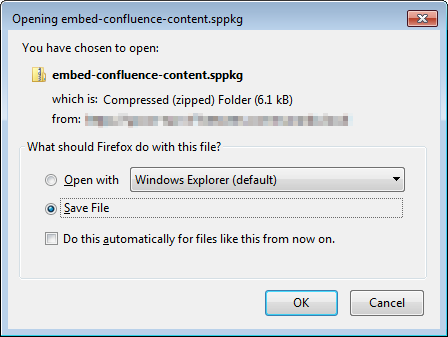
Save the .sppkg file and proceed with Deploy Solution Package to App Catalog.