After the Microsoft 365 administrator opens the generated URL from User Profiles for Jira they will be guided through the approval process.
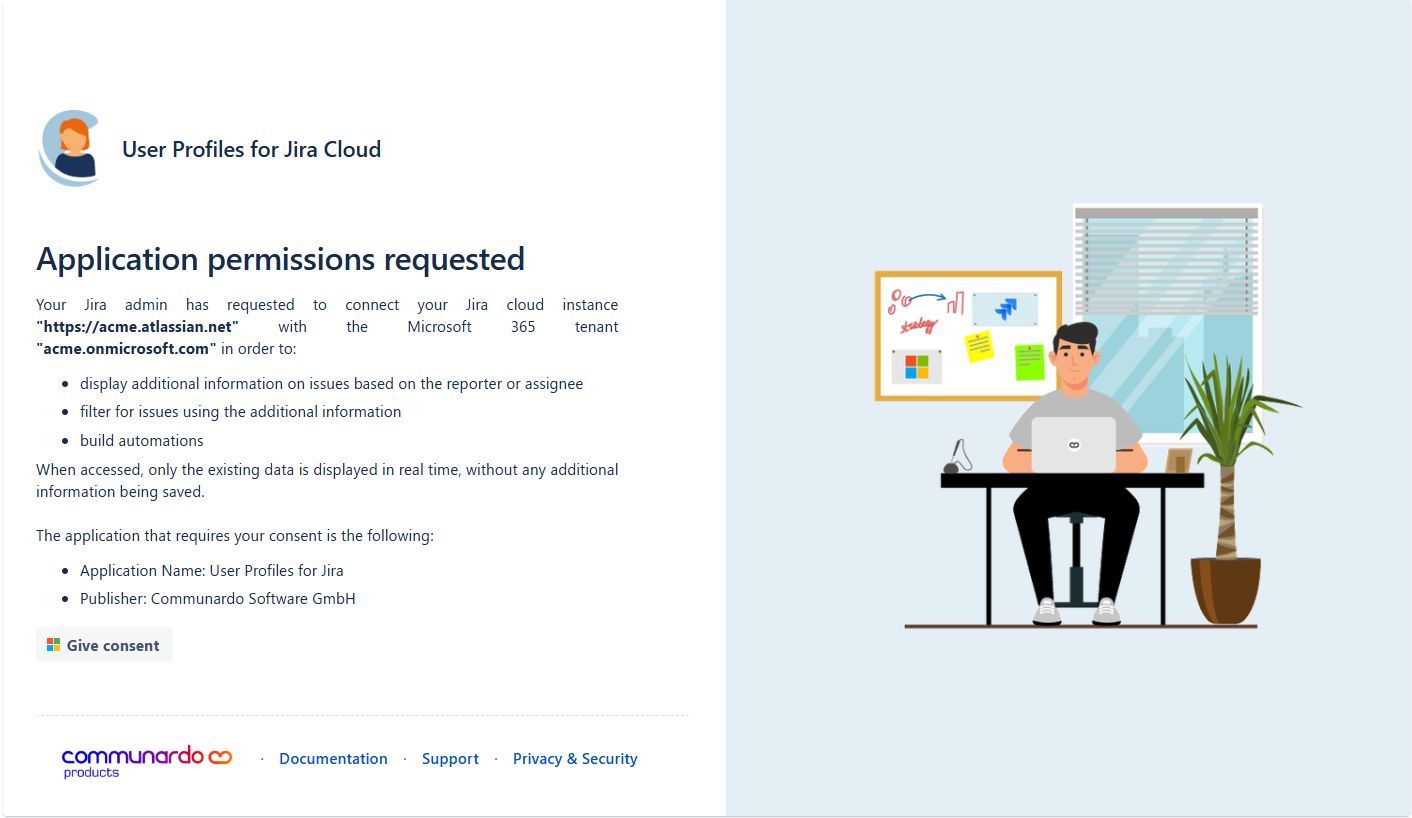
Step 1 - Basic Information
Information about the Jira system that is about to be connected to the Microsoft Tenant is shown. Clicking the “Give consent” button will forward to Microsoft.
Step 2 - Give Consent in the Microsoft 365 tenant
Microsoft will show a login screen. A Microsoft 365 tenant administrator needs to login and give consent for the installation of the “User Profiles for Jira” app.
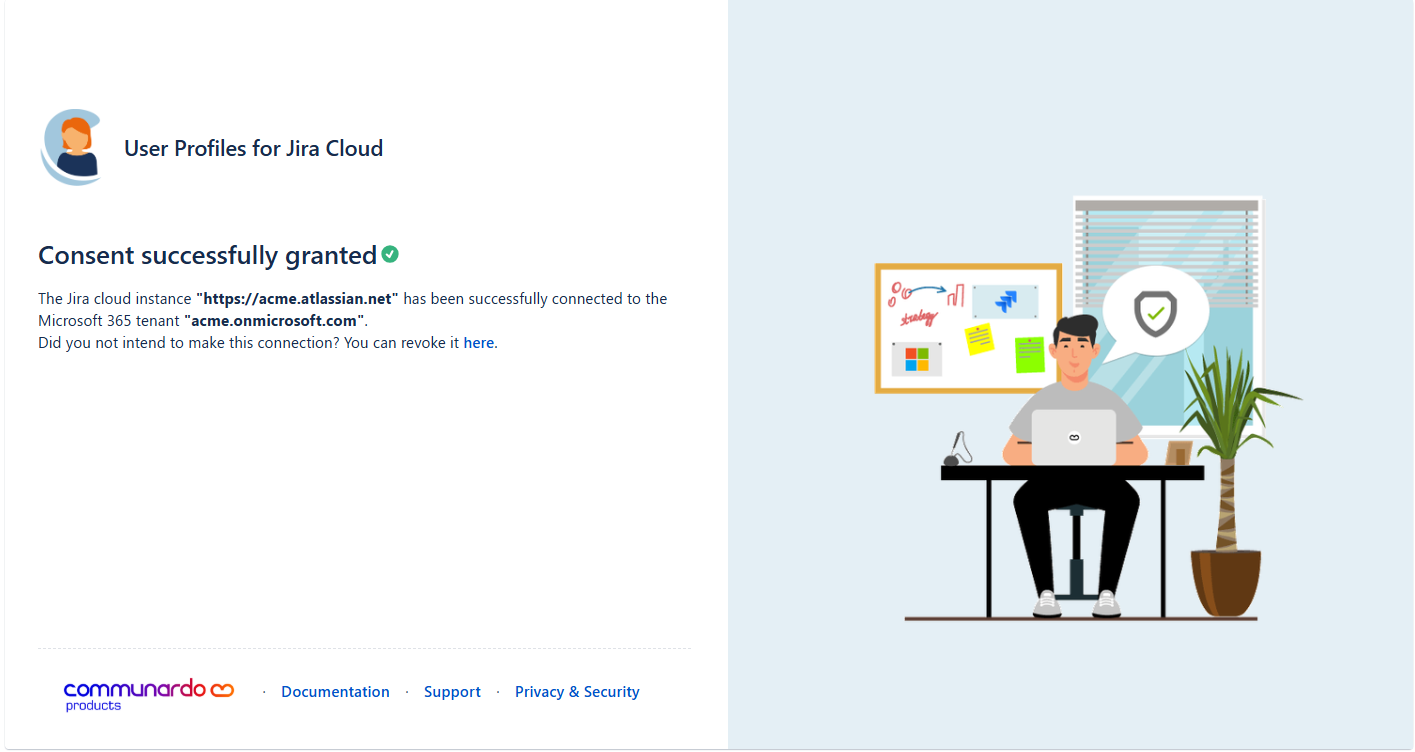
Step 3 - Approval Successful
The Microsoft 365 administrator gets an information about the successful consent. With this the approval process is successfully done.