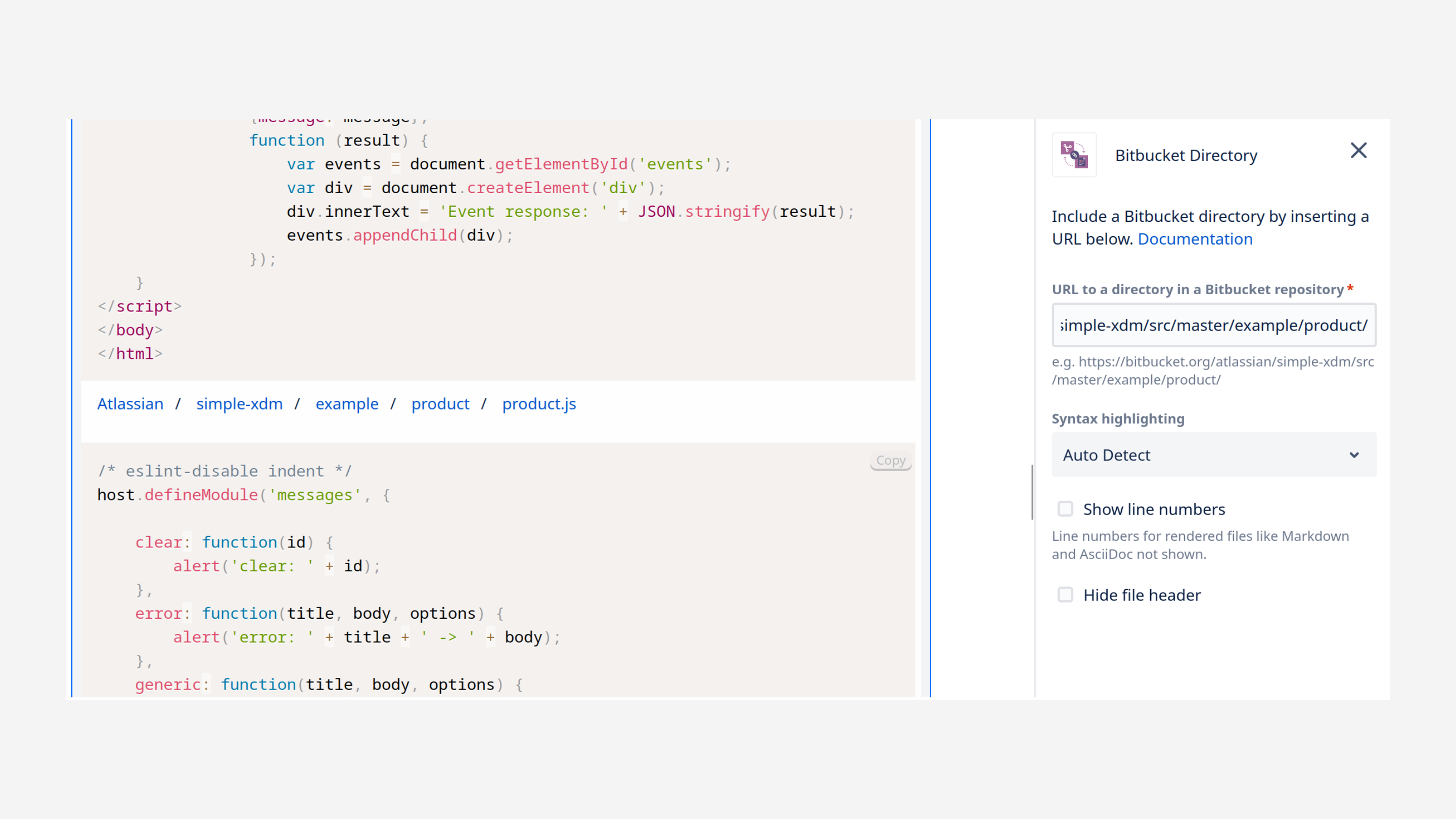
You can include at once all the files of a specific directory (folder) from a Bitbucket repository in your Confluence page.
Add the macro
You can add the macro either by:
-
typing directly
/Bitbucket DirectoryandENTER, or -
using the Insert button from the editor toolbar and then picking the Bitbucket Directory macro from the “External Content” category of the macro library.
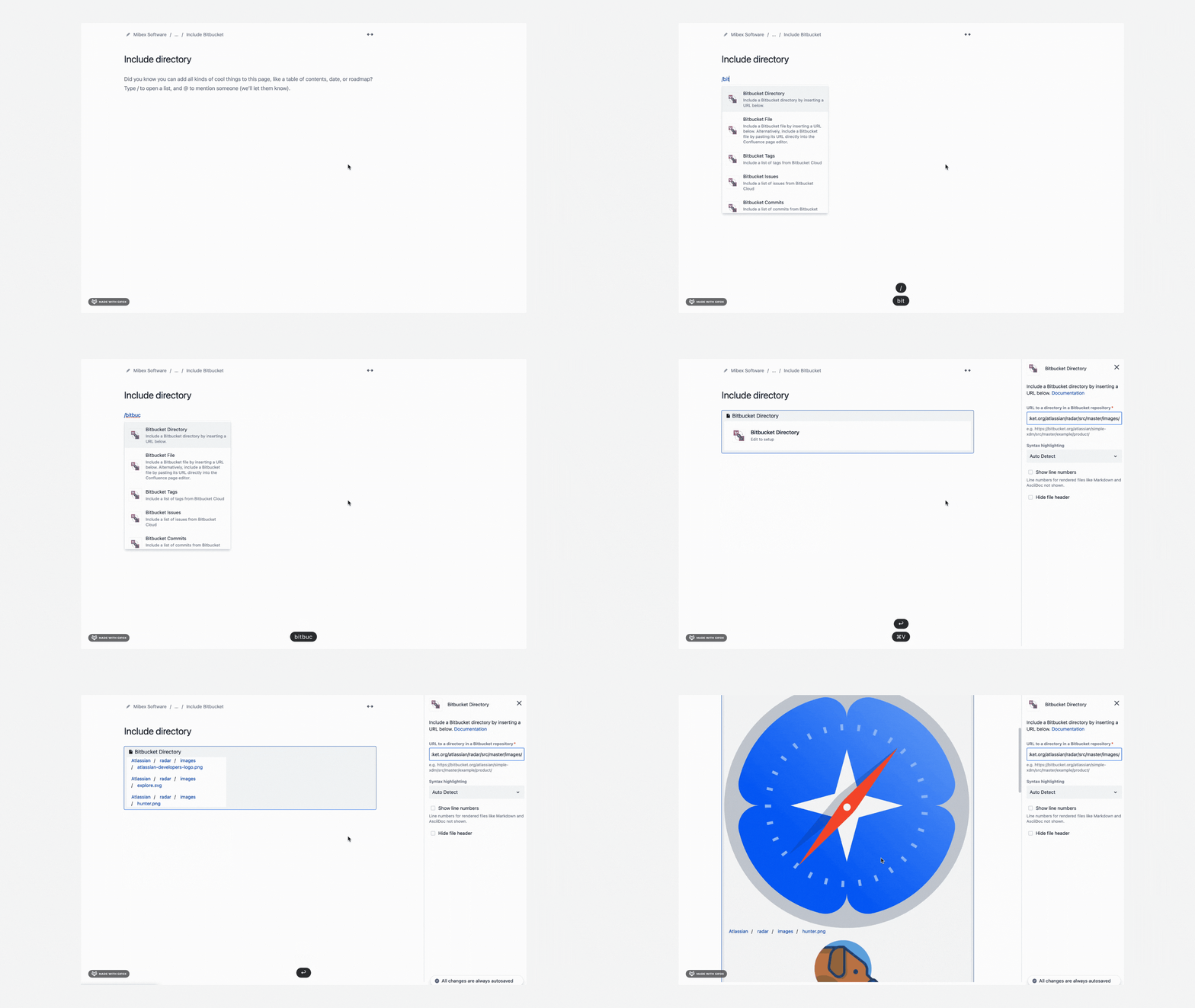
For directories that are within private repositories, users will need to authenticate to view the files' content. More information in this section.
Macro settings
You will then be prompted to specify the following:
|
|
URL of the directory in a Bitbucket repository |
|---|---|
|
|
Format/ language for highlighting purposes (auto detect is performed by default) |
|
|
Tick to display number of lines in the file |
|
|
Collapses the file content and gives the option to expand and collapse |