
The “Manage app features“ section of the configuration holds additional configuration for the out-of-office notification feature. It supports the following work item fields.
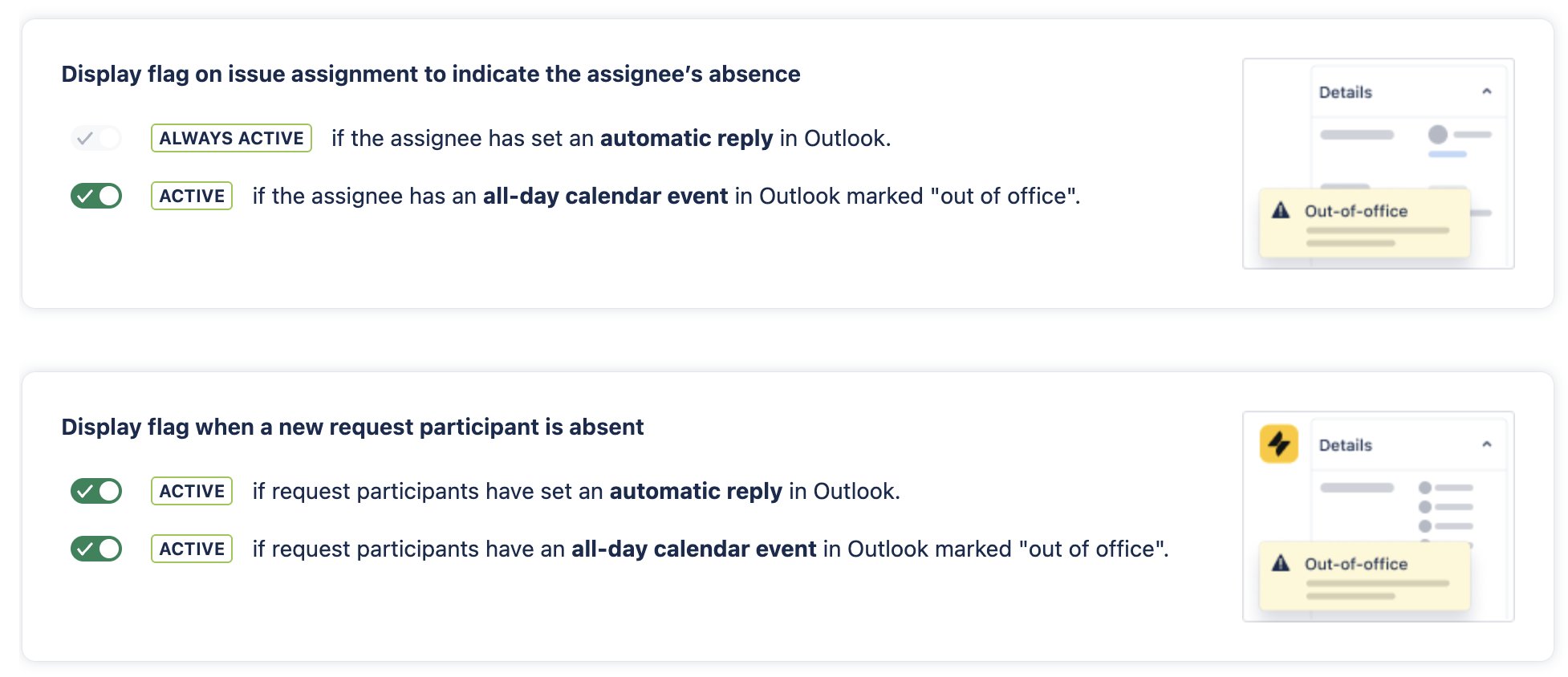
Whenever users are assigned to an issue a flag message is shown if they are out-of-office. The app differentiates between two Microsoft Outlook configurations:
Automatic reply
Can be configured in the main configuration view of Microsoft Outlook.
All-day calendar events
Can be set by adding a calendar event and enabling the all-day event option.
All-day calendar events
When the all-day calendar event option is activated, a flag message is displayed if the assigned user has set a all-day calendar event marked as 'out of office'. The message indicates that it relates to an all-day event.
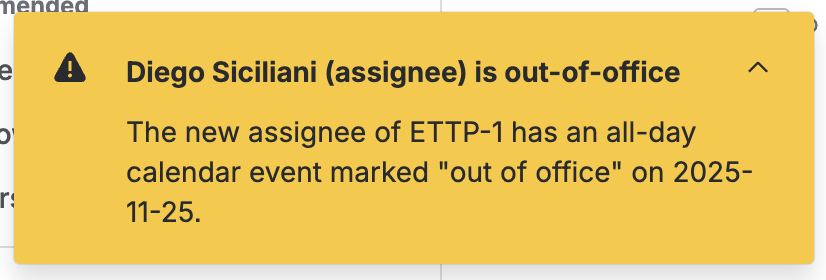
If a user has set an automatic reply and a all-day event, only the message for the automatic-reply will appear.