
Who?
A project manager (and Confluence admin) wants to guide their team in keeping a standard when it comes to the creation of documentation. They also want to avoid any human error from the team members.
.png?cb=58bd1cbbb7fbe1eec0c1aeab0ccfaecb)
What? - Use Case
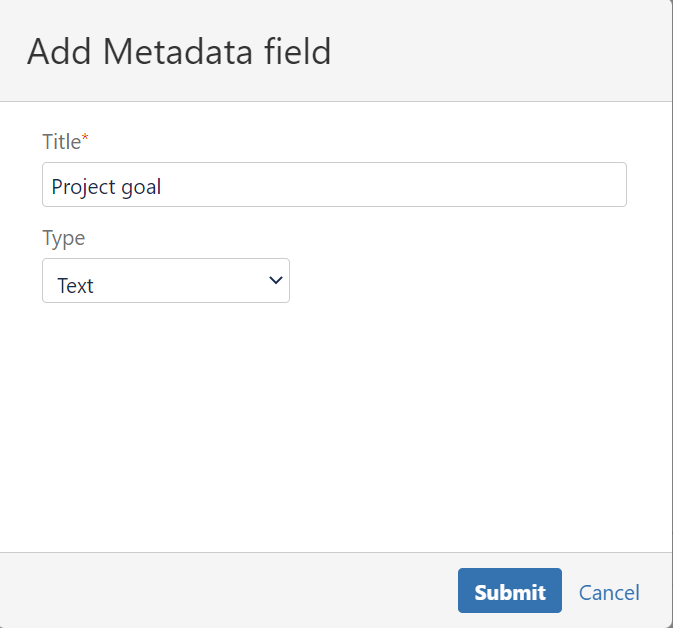
They create a new Content Category named Project Details in their admin settings. They add the appropriate metadata fields on the Content Category, which include all the details they need from the Project Documentation template. The Metadata fields include:
-
Project manager name
-
Project start date
-
Project end date
-
Project goal
-
Project budget
After clicking save, everything will run smoothly!
.png?cb=6ca588ac7dd61596d80299088e95e489)
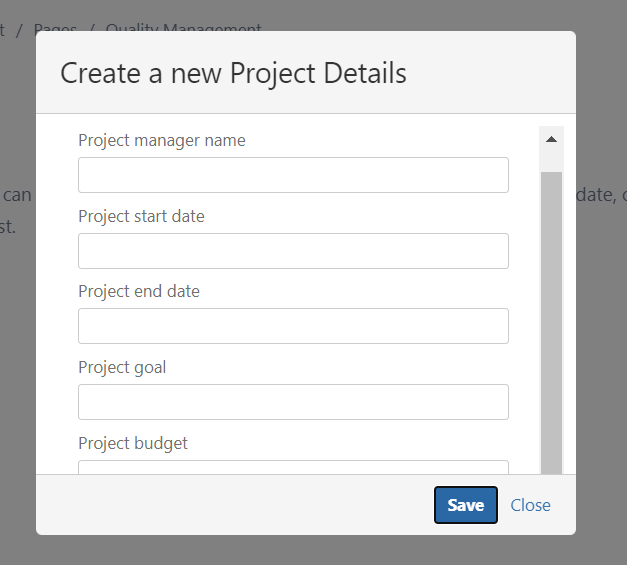
Now, whenever a team member creates a page with the template “Project Details”, they will also have a great visual and guide of all the details they need to fill out.
Why? - Added Value & Benefits
- Guidance in project documentation for the team;
- Less human errors for project outlines;
- Less headache for the project manager and Confluence admin;
How? - Feature Used
Create a new Content Category in the administration section. If you’d like to read more about how to create and manage a Content Category, click here.