
Who?
A developer is writing out the release documentation for a new app feature, how exciting!
.png?cb=8b18c014bee655c1d7f2a91fbc837d18)
What? - Use Case
In order for the documentation to be well-structured, it needs a header with all the important information, such as:
-
Feature name;
-
Release version;
-
Release date;
This way, anyone who reads it can automatically get a snapshot of the most important details, before reading further.
To do this, the developer chooses the Content Category “Release Documentation” (that the admin has already created for them.
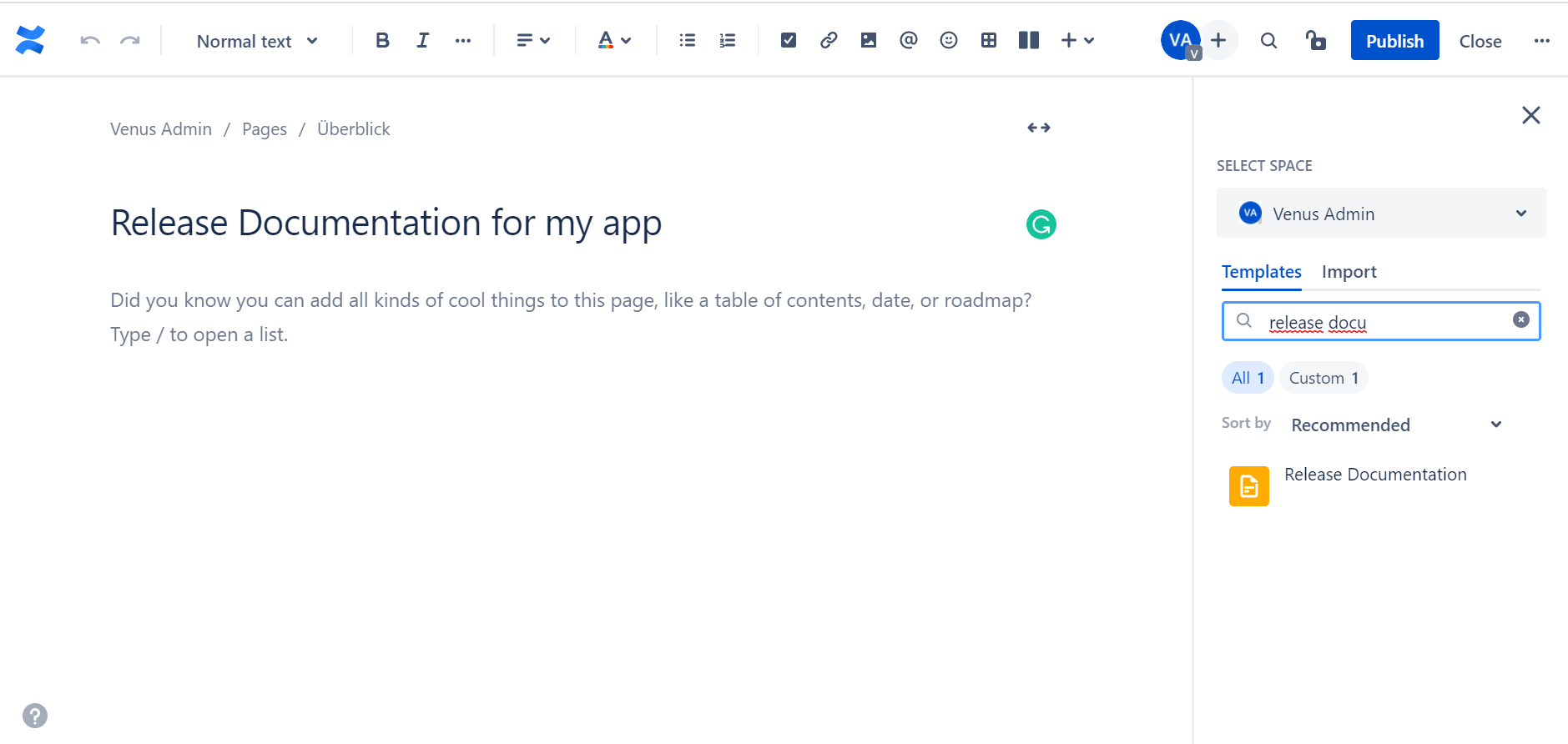
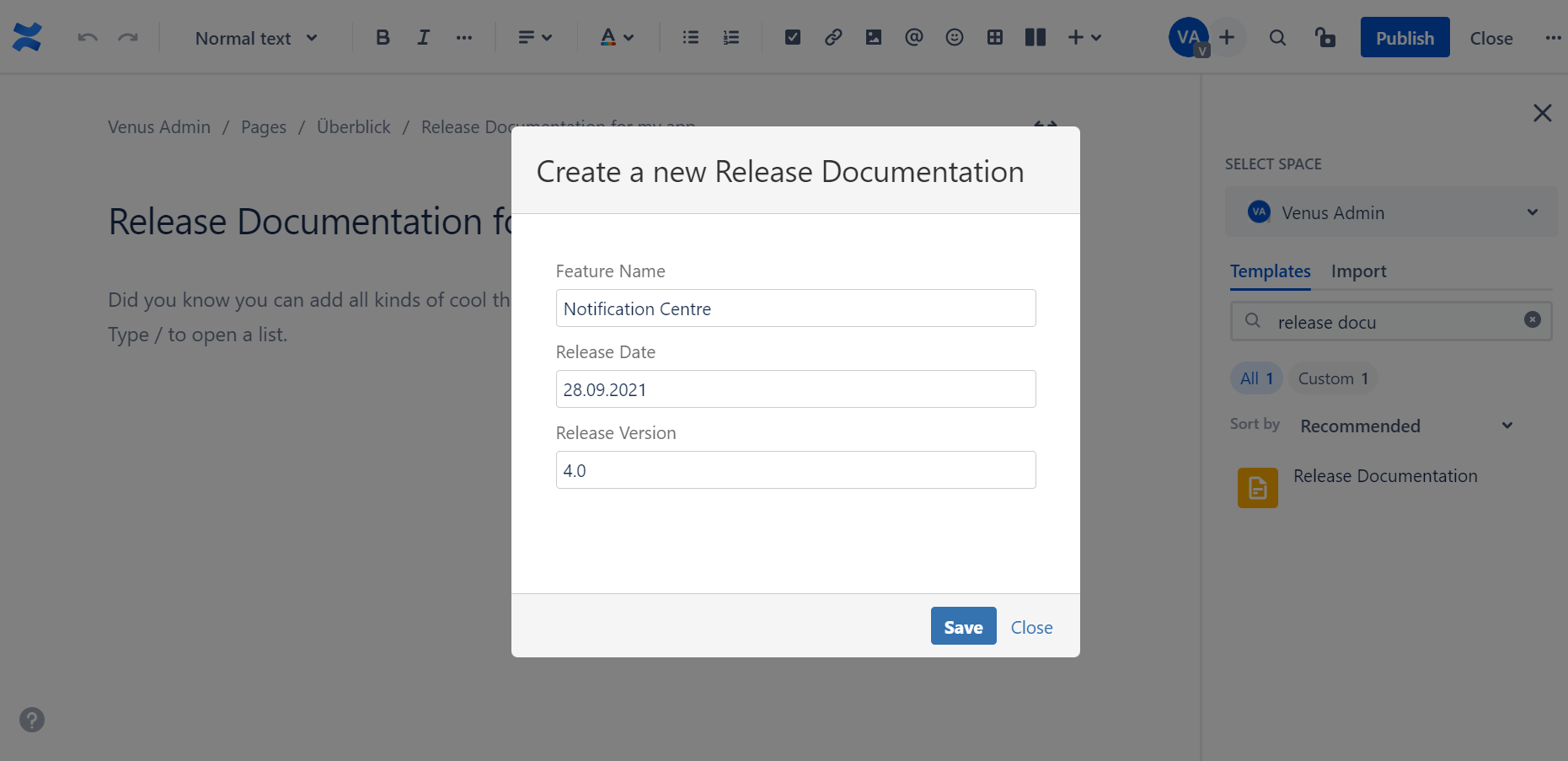
After entering all the details, they click on the plus sign to access the Macro Browser, and write “Display Metadata”. The developer can select the Metadata fields they would like to display. They can click on the small “x” sign to remove a field.
.png?cb=8aa85a9f57180b8a5882246828be4431)
And here’s the final look:
.png?cb=8f89d36a2106cbb5b3ee491b34113cc8)
Why? - Added Value & Benefits
- Well-structured documentation
- Gives a snapshot of the most important information
- Suitable visuals
How? - Feature Used
Display Metadata Macro. If you’d like to read more about the feature click here.