
In today’s fast-moving world, keeping knowledge accurate and well-managed is key. One area where this matters most is data privacy. Organizations need to make sure their Data Privacy Guidelines (including GDPR policies) are not only up to date but also reviewed by the right experts before publication or changes.
This use case shows how to combine Metadata for Confluence and Workflows for Confluence to build a reliable content review system. The goal is to automate content ownership, guarantee expert review and maintain trustworthy documentation. especially for sensitive topics like GDPR.
How We Built This Setup?
⚙️ Step 1 – Create the Metadata Content Category
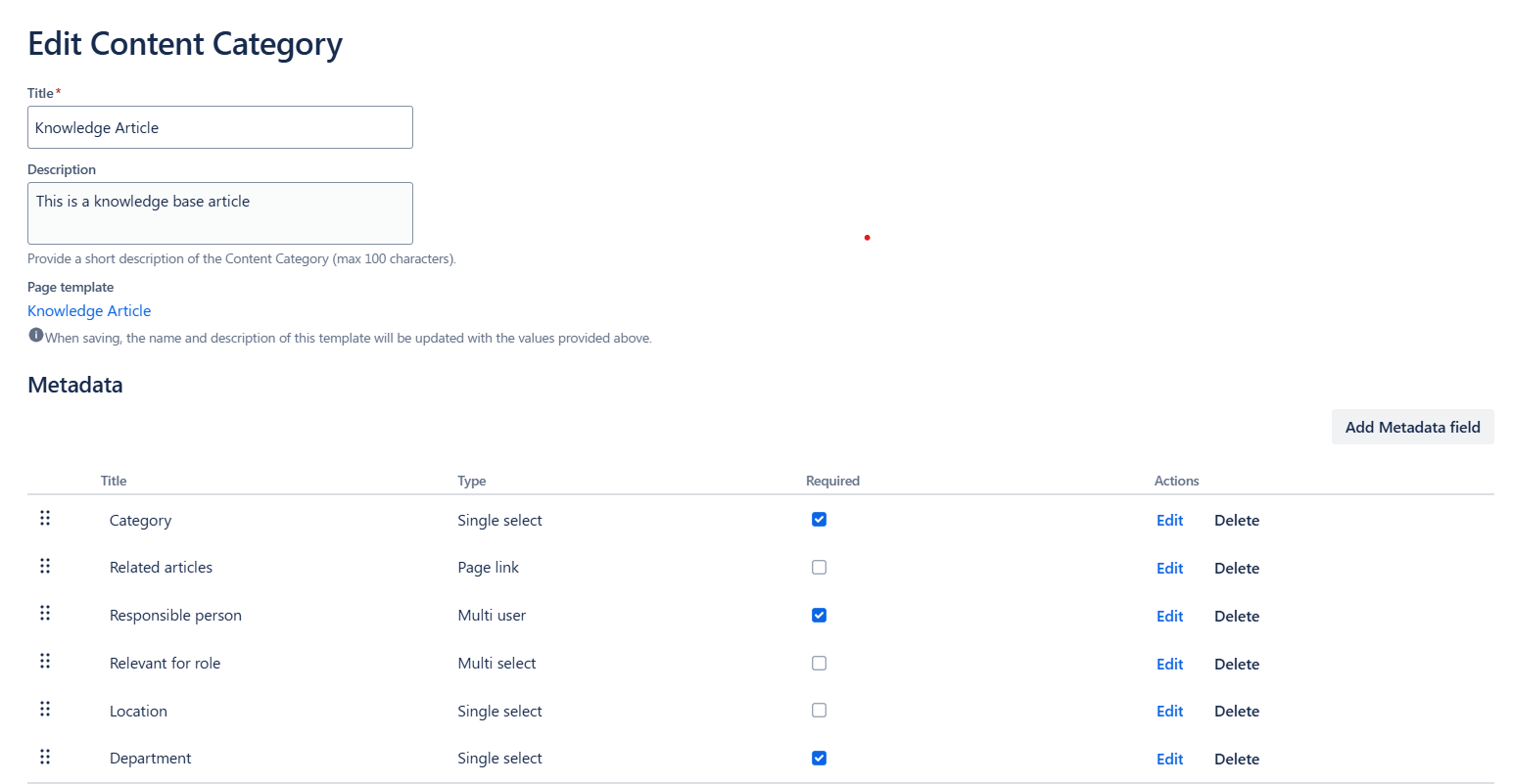
To support structured knowledge management for GDPR-related documentation, we first created a Content Category called Knowledge Base. The Content Category includes fields like Responsible Perosn, Relevant for Role, and Location, which make it easier to identify responsibility, define audience and ensure each page is aligned with compliance requirements.
The Content Category includes the following Metadata fields:
-
Category (Single select)
-
Related articles (Page Link)
-
Responsible person (Multi user)
-
Relevant for the role (Multi select)
-
Location (Multi select)
-
Department (Single select)
✍️ Step 2 – Assign Metadata to Pages
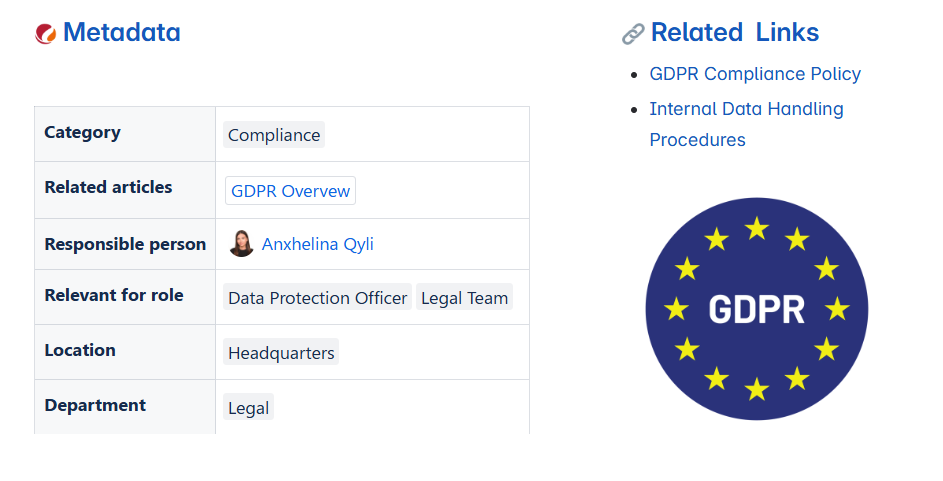
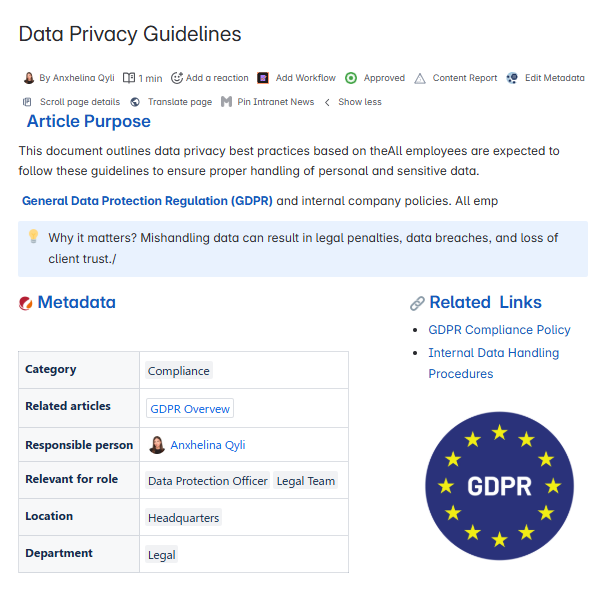
To bring structure and governance to GDPR-related content, we applied the Knowledge Base Metadata Content Category to pages like Data Privacy Guidelines.
✅ Step 3 – Set Up Workflow with Metadata Approval
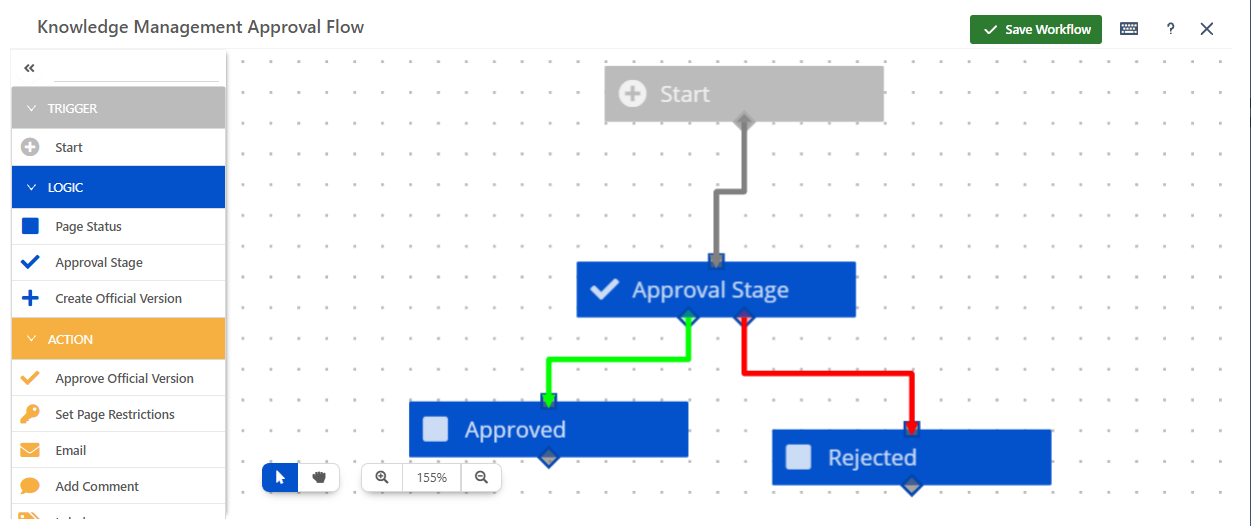
To make sure every GDPR policy page is reviewed by the right person, we linked our Content Category to an approval workflow using the Workflows for Confluence app.
The workflow is designed to read the Responsible person field from the page’s metadata.
🔗 See Integration Guide for help finding Metadata IDs and more.
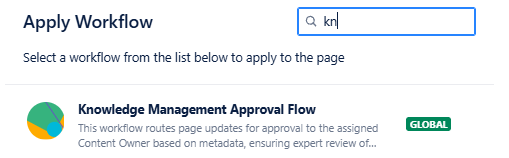
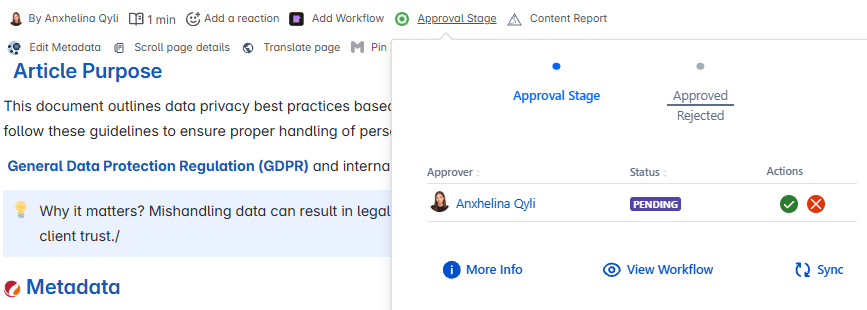
Whenever a page is updated, the person listed in that field is automatically assigned as the approver. This ensures that updates are reviewed by someone with the right expertise, without the need to manually assign reviewers each time.
🎉 That’s It!
With Metadata and Workflows working together, your Knowledge base become easier to organize, more trustworthy, and always ready for review.