
System
Confluence Cloud
Short description
Organize onboarding resources into labeled tabs in Confluence, enabling new employees to quickly find the HR information they need without navigating multiple pages.
Challenge
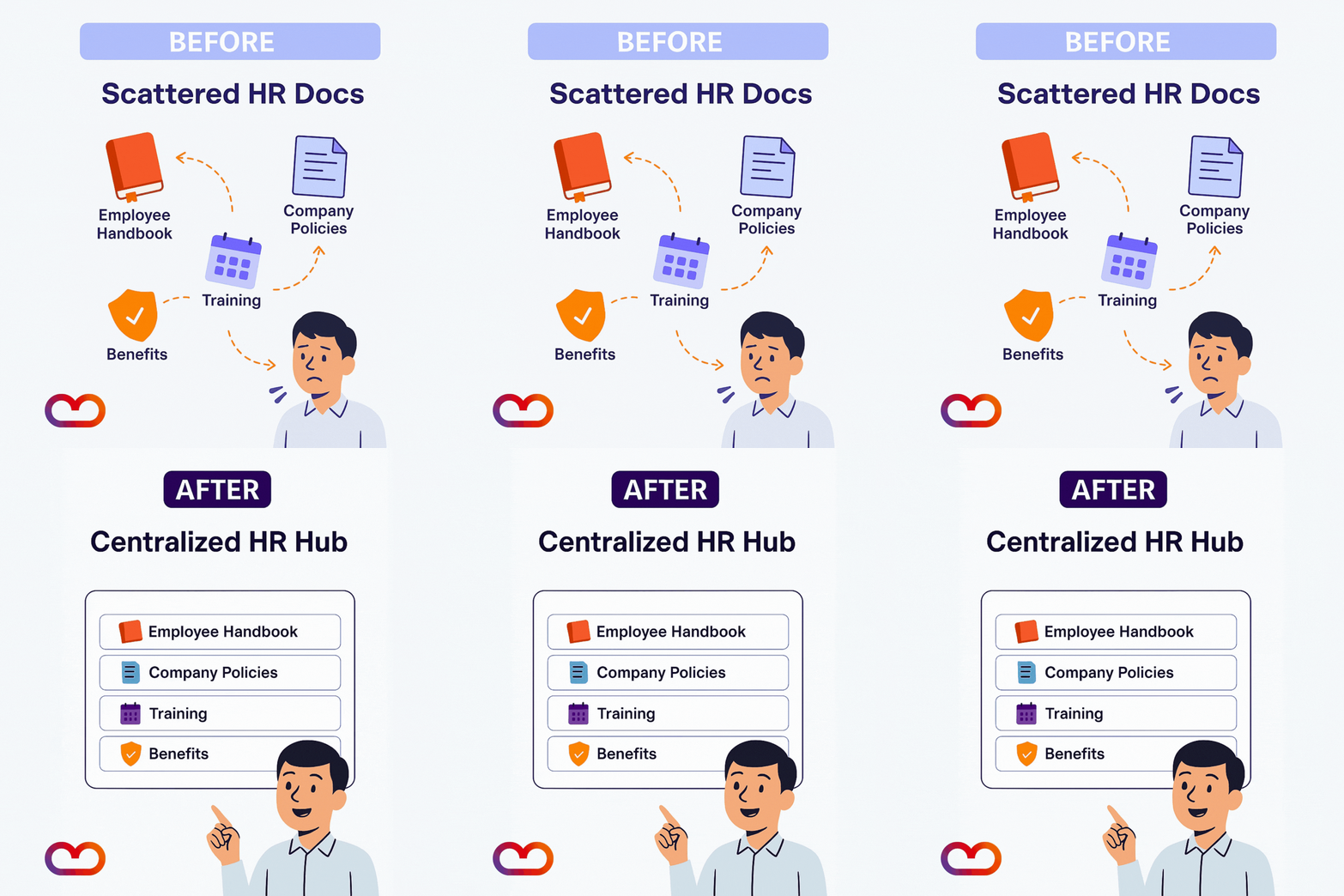
New hires often struggle to locate important HR resources in Confluence because documents like the employee handbook, company policies, training schedules, and benefits details are spread across multiple pages. This can lead to confusion, repeated questions to HR, and wasted time searching for the right information.
Actors
👤 Alex – HR Manager
📝 Jamie – Content Creator / Knowledge Manager
👔 John – Employee
Actors Goals
-
Alex wants to make HR documentation accessible and easy to navigate for new employees, reducing repeated queries and support requests.
-
Jamie needs to organize all onboarding content in a way that’s structured, searchable, and easy to update.
-
John wants to quickly find the exact HR resource they need (e.g., benefits policy, training schedule) without asking HR every time.
Use Case Scenario (step-by-step)
-
Jamie identifies all existing onboarding-related pages in Confluence.
-
Jamie uses the Navitabs Tab Wizard in Confluence Cloud to create a single HR Documentation landing page.
-
Jamie configures tabs for Employee Handbook, Training, Company Policies, and Benefits—each automatically pulling in the relevant labeled pages.
-
Alex reviews the tab content to ensure accuracy and completeness.
-
The HR Documentation landing page link is shared with new employees as part of their welcome email.
-
John visits the HR Documentation page and clicks directly on the relevant tab to find the information needed.
Outcome
-
For Alex (HR Manager): Fewer repetitive HR queries, more time for strategic HR tasks.
-
For Jamie (Knowledge Manager): A centralized and structured content hub that’s easier to maintain.
-
For John (Employee): Quick, intuitive access to all onboarding resources in one place.
-
For the company: Reduced onboarding time, improved employee satisfaction, and more efficient HR operations.
Implementation Details
-
Use the Tab Wizard to create tabs dynamically.
-
HR reviews content for completeness and accuracy.
-
HR includes the HR Documentation page link in onboarding checklists, welcome emails, and intranet menus.
Additional Content
Why Centralized HR Documentation Matters for Onboarding
Atlassian Marketplace
Navitabs - Navigation Macros for Confluence | Atlassian Marketplace