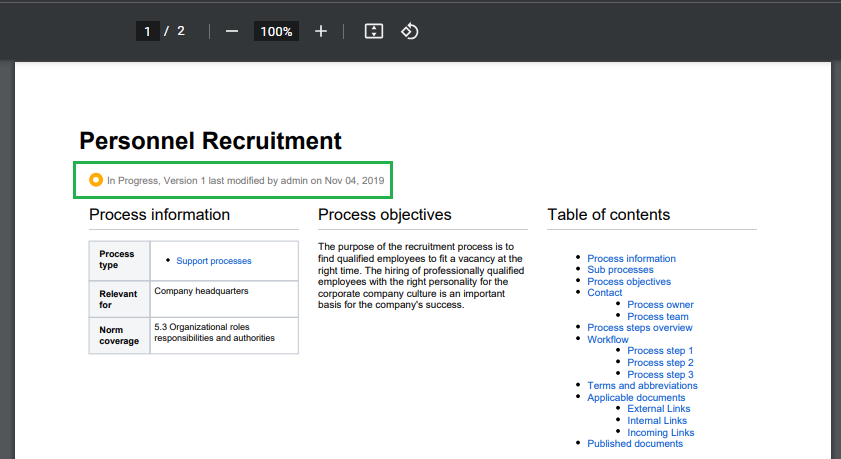
What is the Macro Used for?
The macro is used to show the workflow status and version information of the current page when exporting it to PDF or Word.
This macro can only be used in combination with the Comala Document Management app. Otherwise no information will be visible after exporting the page.
Add Macro
As a recommendation, insert the macro at the beginning of each template.
User information
Switch to the edit mode of your page to insert the macro into the page. To do this, simply type "e" or click the "Edit" button.


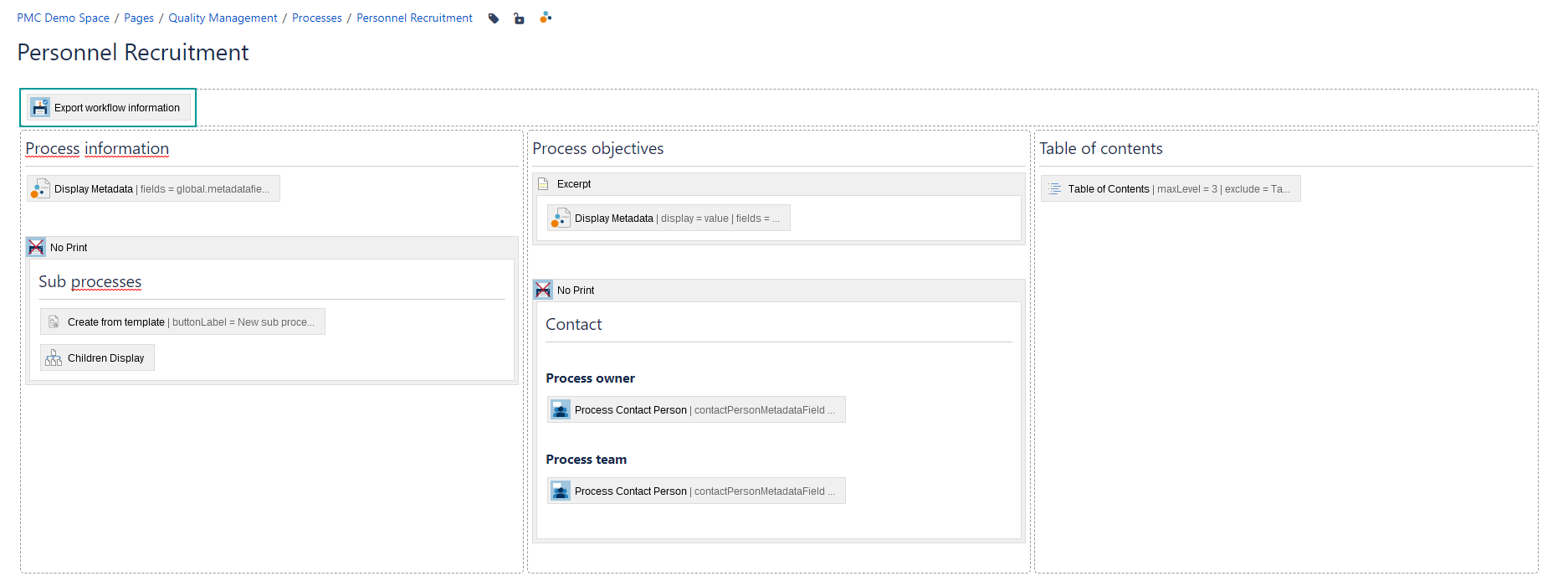
There are no configuration parameters available for the macro.
After the PDF export of your document, the workflow status and version information is displayed as in the example.