Introduction
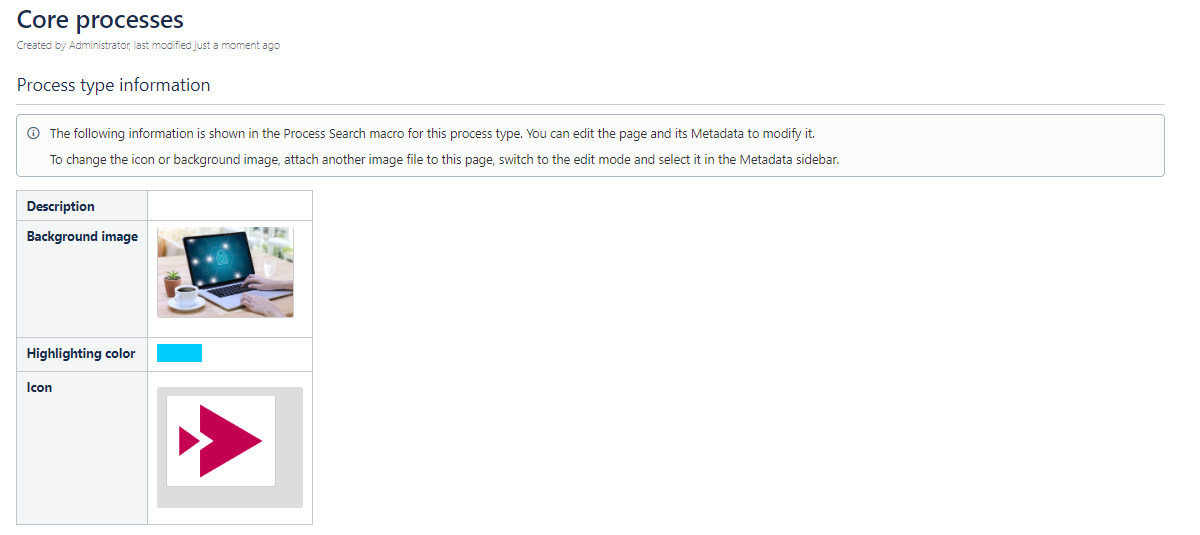
The Process Management app uses features of Metadata for Confluence and provides a selection of predefined global Metadata sets and fields. These sets are directly connected to the page blueprints of the Process Management app.
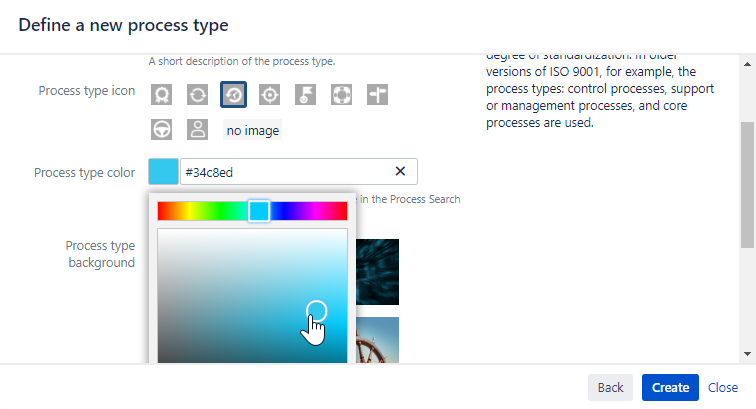
This means that every blueprint is associated with one of the sets and shows the fields in the blueprint wizard (see screenshot).
User information
The definition of each blueprint is realized by the app Metadata for Confluence.
-
Check the user documentation of the Metadata for Confluence app.
-
For more information about editing and viewing metadata see the corresponding chapter View and Edit Metadata.
Add a New Background Image to your Page
This use case shows you how to change values within a Metadata set by editing or adding a new value in a Metadata field.
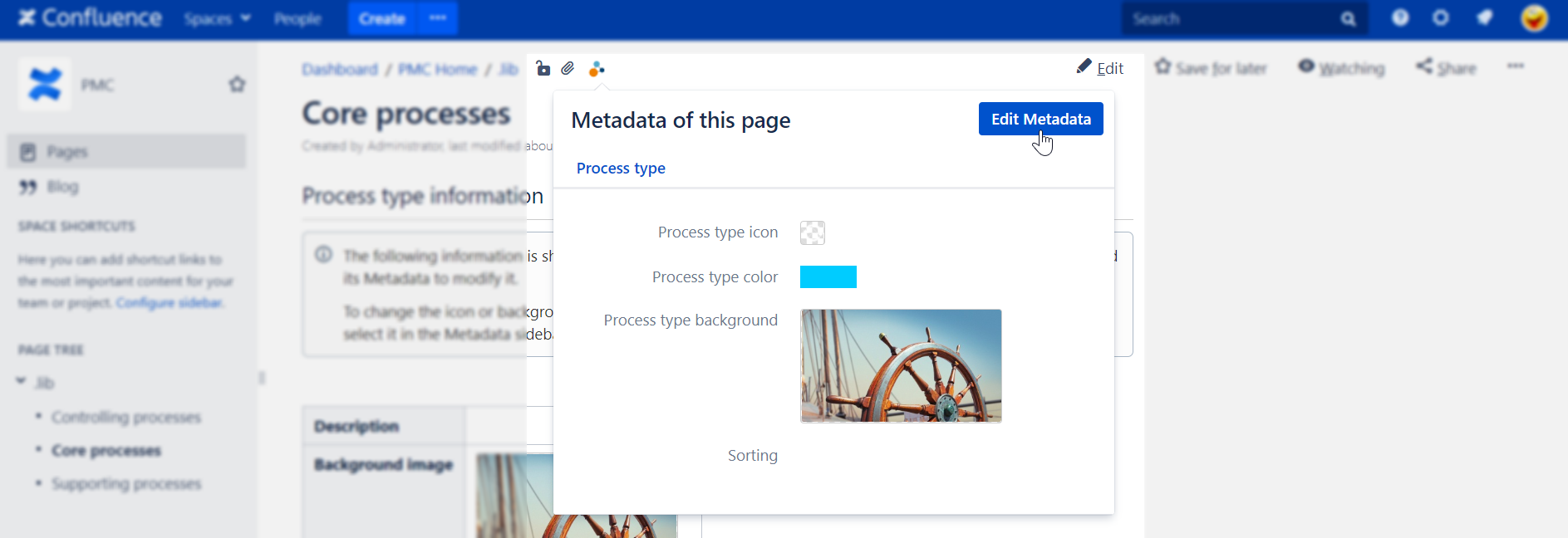
Drag and drop a new image for the background of your selected process type into your page. The page must be in "Edit Mode".
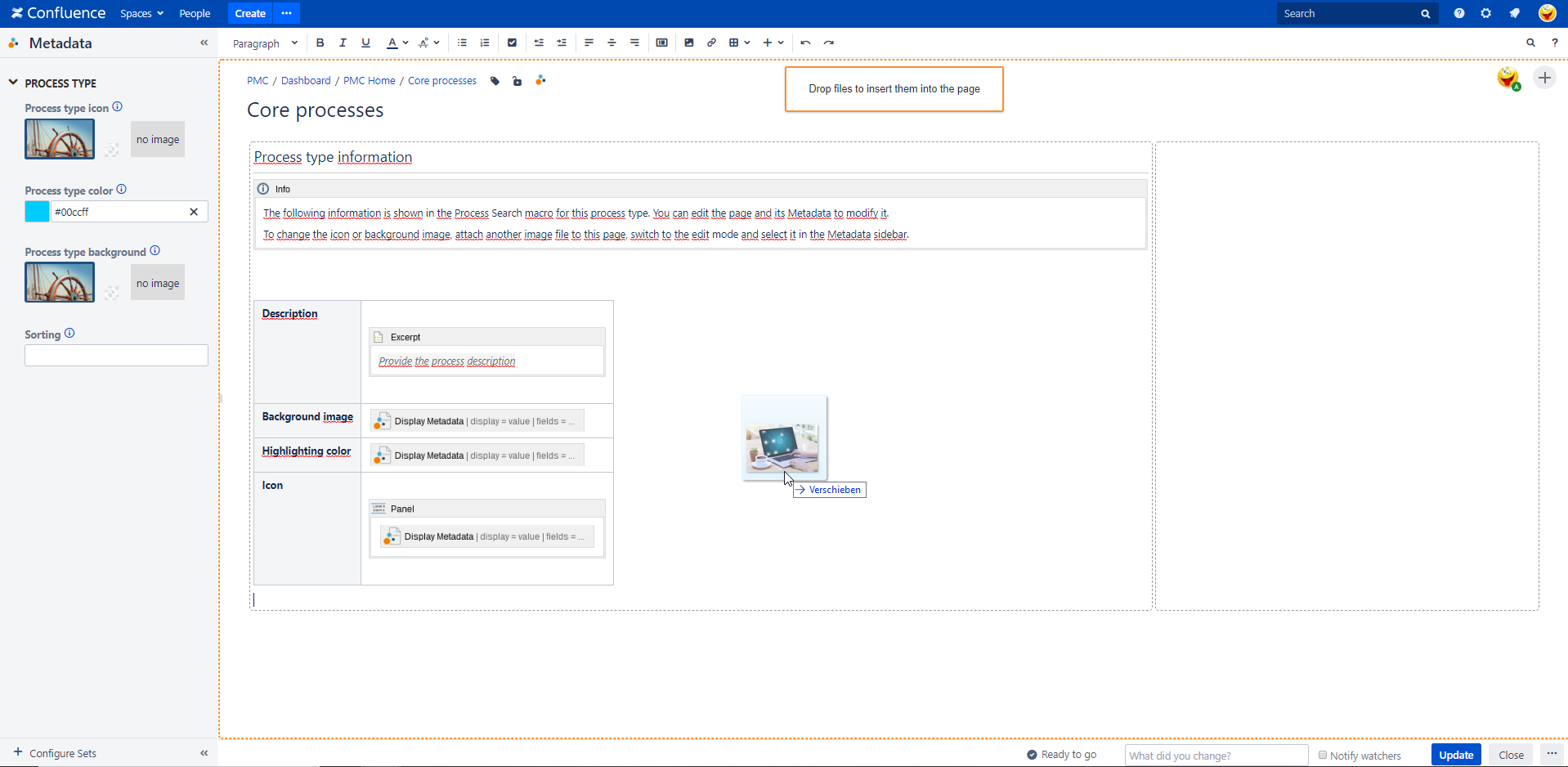
Select the new background image.
Click the "Publish" button to save the process type data.
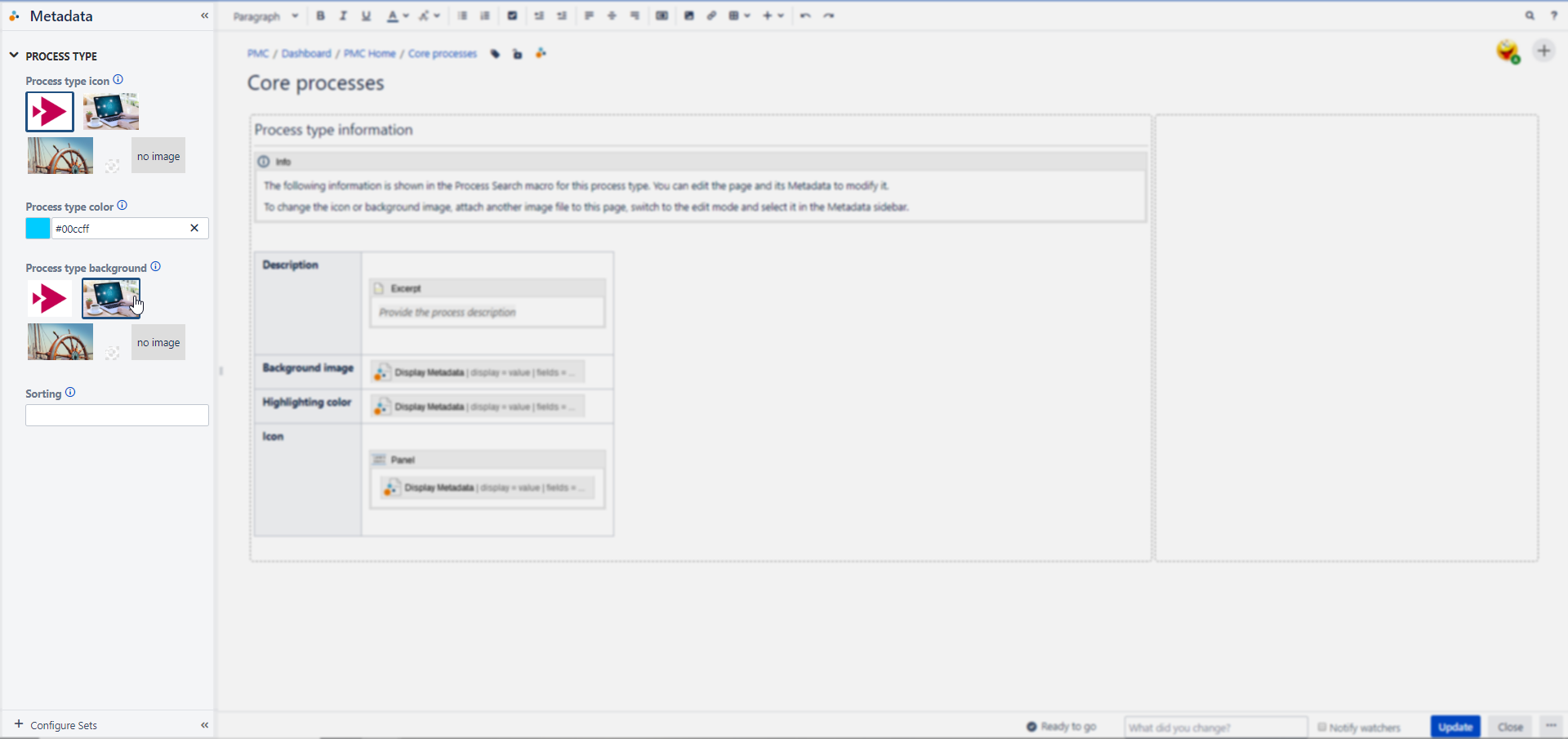
Your new background image has been successfully changed.