
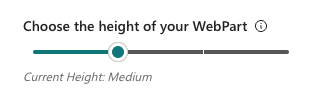
You can adjust the height of the web part by moving the slider left and right.
There are 4 heights available (small, medium, large, and extra large) and they will adjust the height of the displayed issues in either Card or Table View.
Keep in mind that the final height of the webpart will fit the content displayed, so if you don't have enough issues linked, you might not see changes while adjusting the slider.