
Add the web part to your page
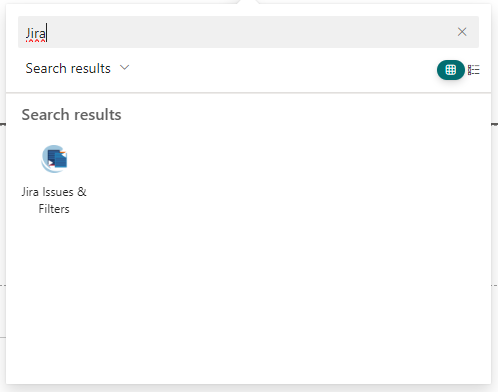
To add a Jira web part to your SharePoint Site, search for “Jira” in the web parts list and select the “Jira Issues and Filter” web part.
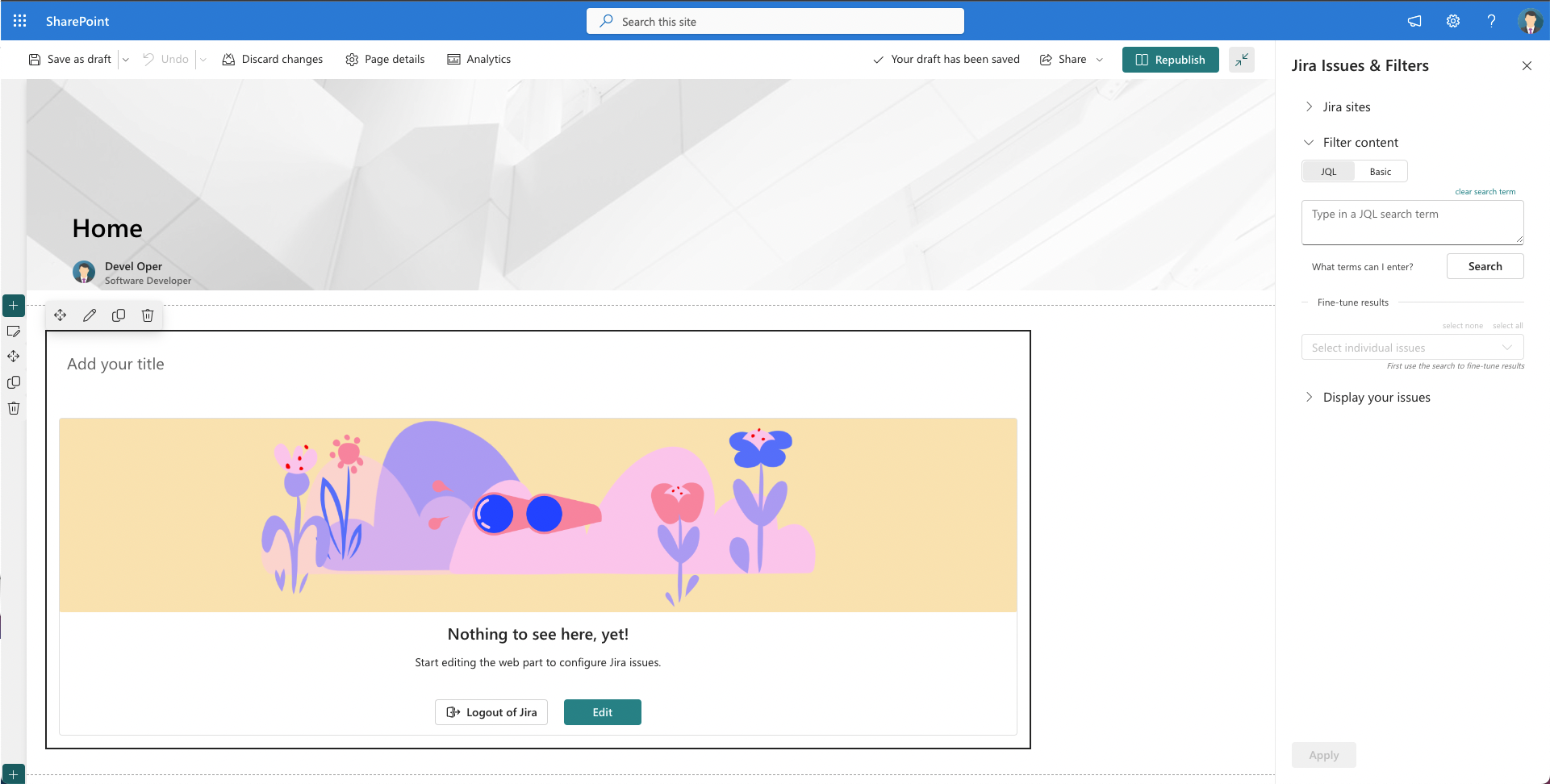
You will see the Jira Issues & Filter web part is added to the page and is ready to be configured. To continue with the configuration click on the Edit button and the web part configuration pane will appear on the right side, where you can start configuring the filters to display the Jira issues.
Continue to: Fine-tuning results