
You have the ability to choose which information will be displayed regarding your issues. When creating a new web part, a set of commonly used default fields will be preselected.
The selected fields will affect both the table view and the card view.
Currently, it’s not possible to influence the order in which the fields are displayed. This gives us the possibility of optimizing the view for a better and more responsive experience.
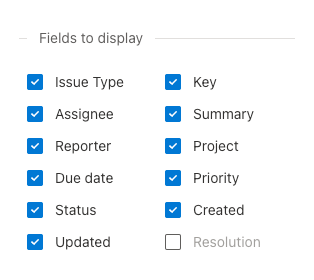
Fields to display
You can select which default fields you want to display in your cards/table by ticking the checkboxes.
Additional Custom Fields
You can select which custom fields to display by choosing them from the list.
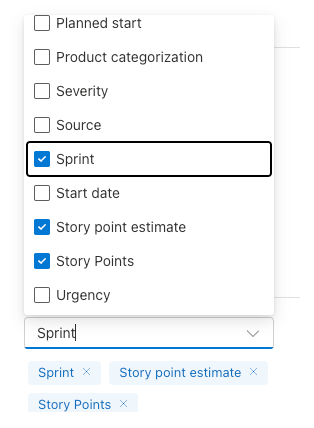
You can then remove them by using the checkbox in the list or by clicking on the “x” in the tag below.
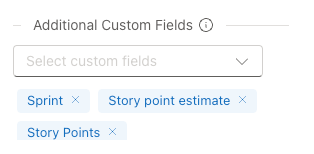
Currently we only support the Standard Custom Fields. If you need to use a field which isn’t supported yet, please reach us at our email.
Continue to: Adjust the height of the web part