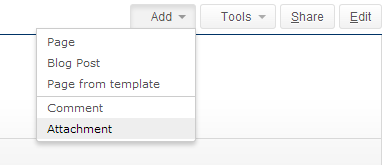
Activate the old Confluence 4 "Add" Dropdown
Use the old "Add Page" dropdown instead of the create Button, you have to activate and deactivate specific web-sections modules of the Enterprise Theme.
Got into the Confluence Admin -> Manage Addons -> Enterprise Themes and activate the web-section for the "Old Add Page" and "Old Add Space" content sections.
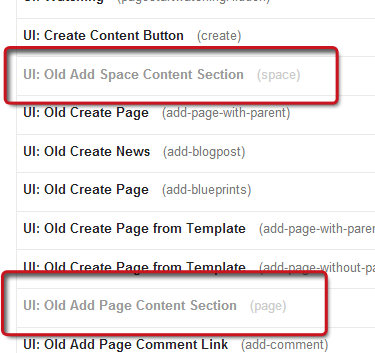
Now the "Add" dropdown is visible in the page navigation:
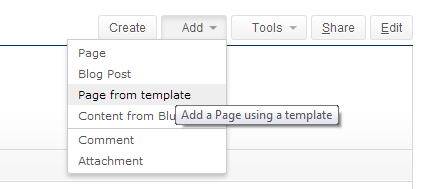
Deactivate the create button
To deactivate the create button, you can deactivate the web-item create in the Confluence administration.
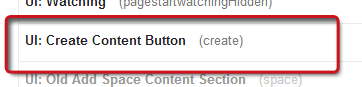
If the "Add" dropdown sections are activated, the result looks like:

Deactivate the blueprint entry in the "Add" dropdown
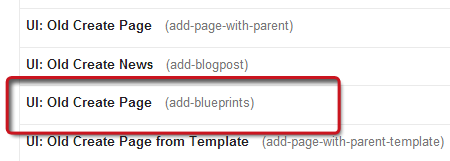
To deactivate the blueprint item in the dropdown list, just disable the corresponding web-item add-blueprints in the plugin modules:
The "Add" dropdown after the blueprint item is disabled: