
-
This document is to give you additional information specific to migrating Communardo apps.
-
All Communardo apps that are Cloud-ready (consult our list) have an automated app data migration path.
-
Migrating from Server to Data Center? Consult .
🛠️ Atlassian Tools:
-
Follow the official Atlassian documentation to assess and migrate apps (scroll down to the section "Assessing your apps").
-
Use the latest version of the Cloud Migration Assistant.
Cloud Migration Assistant: Process to migrate apps
App Assessment
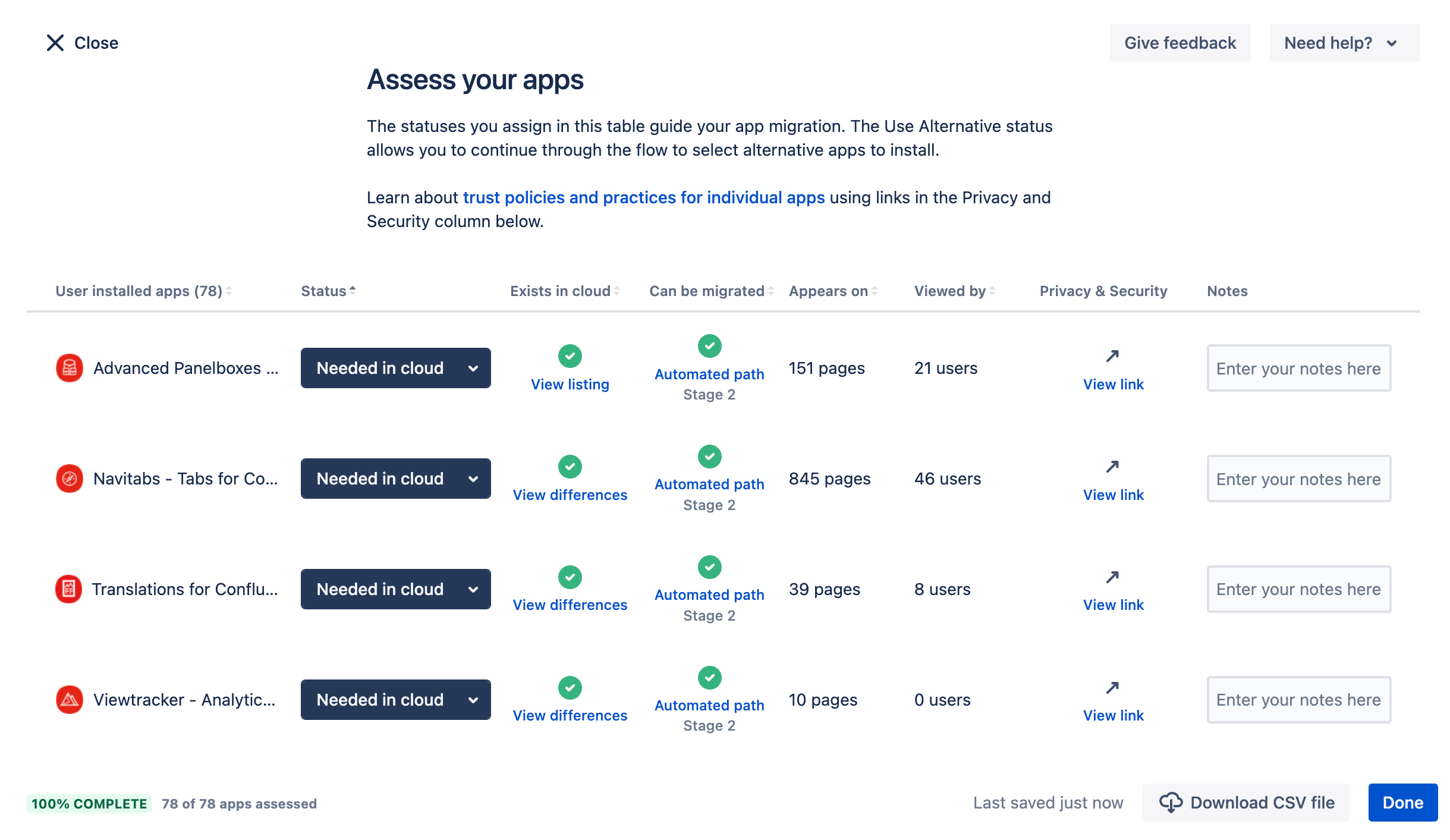
Mark all Communardo apps available in the cloud as "Needed in cloud" and tap "Continue.”
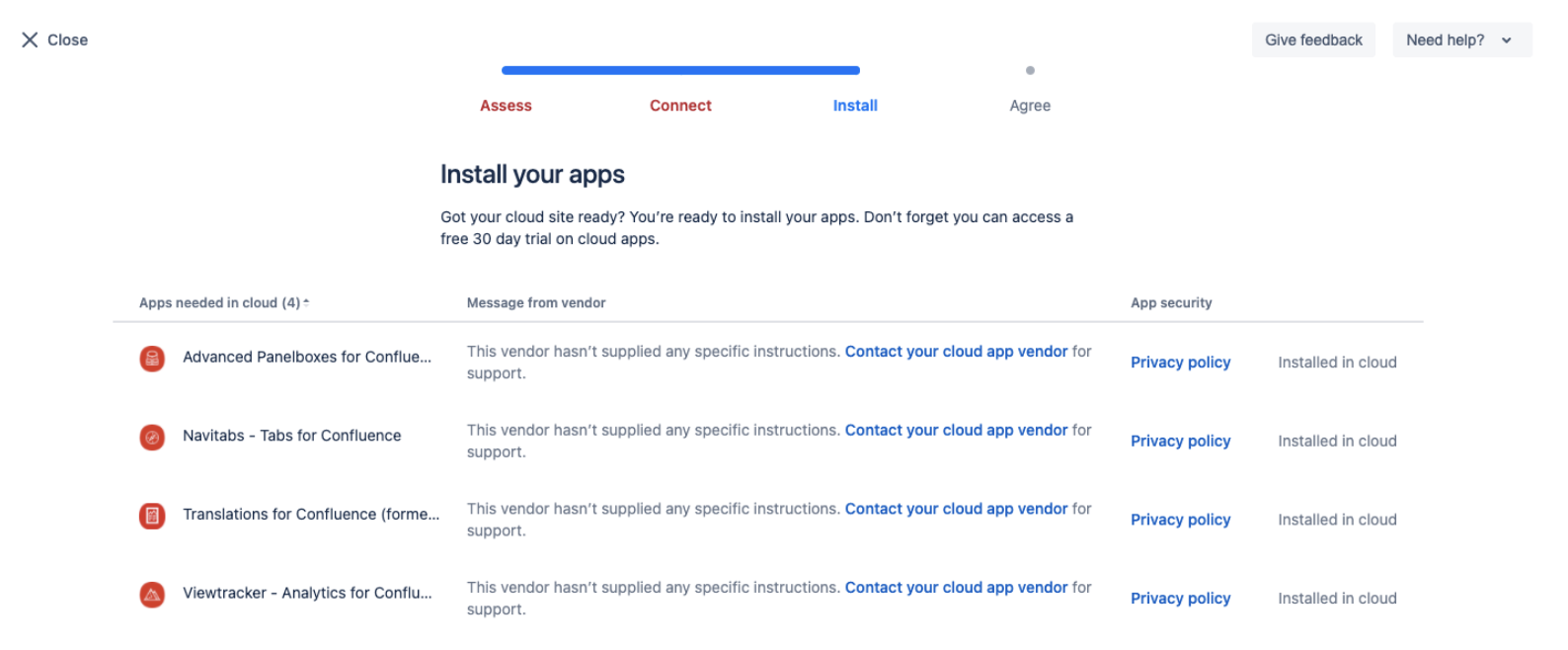
Make sure you have installed all selected Communardo apps in your Cloud instance. Tap "Continue".
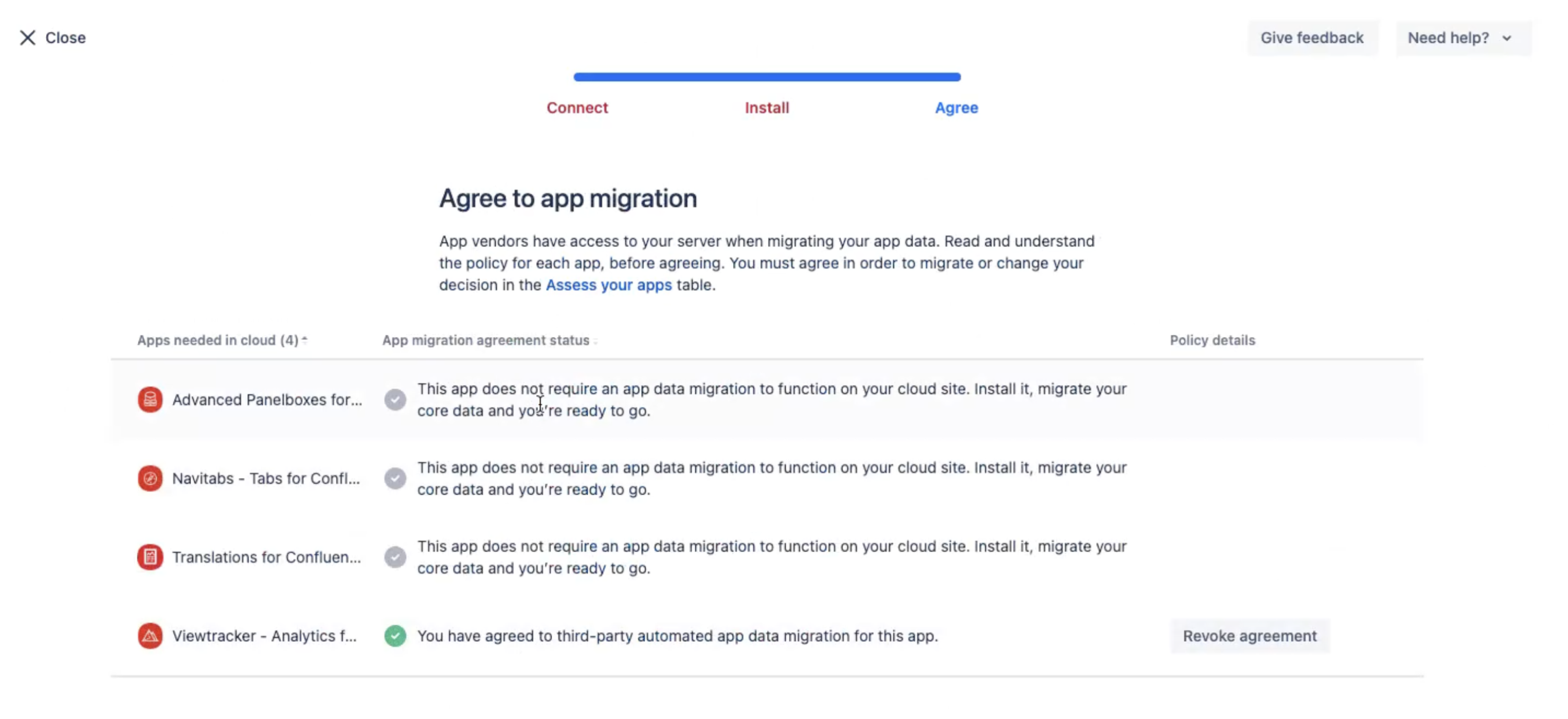
Agree to the app migration and tap "Continue".
Migration Process
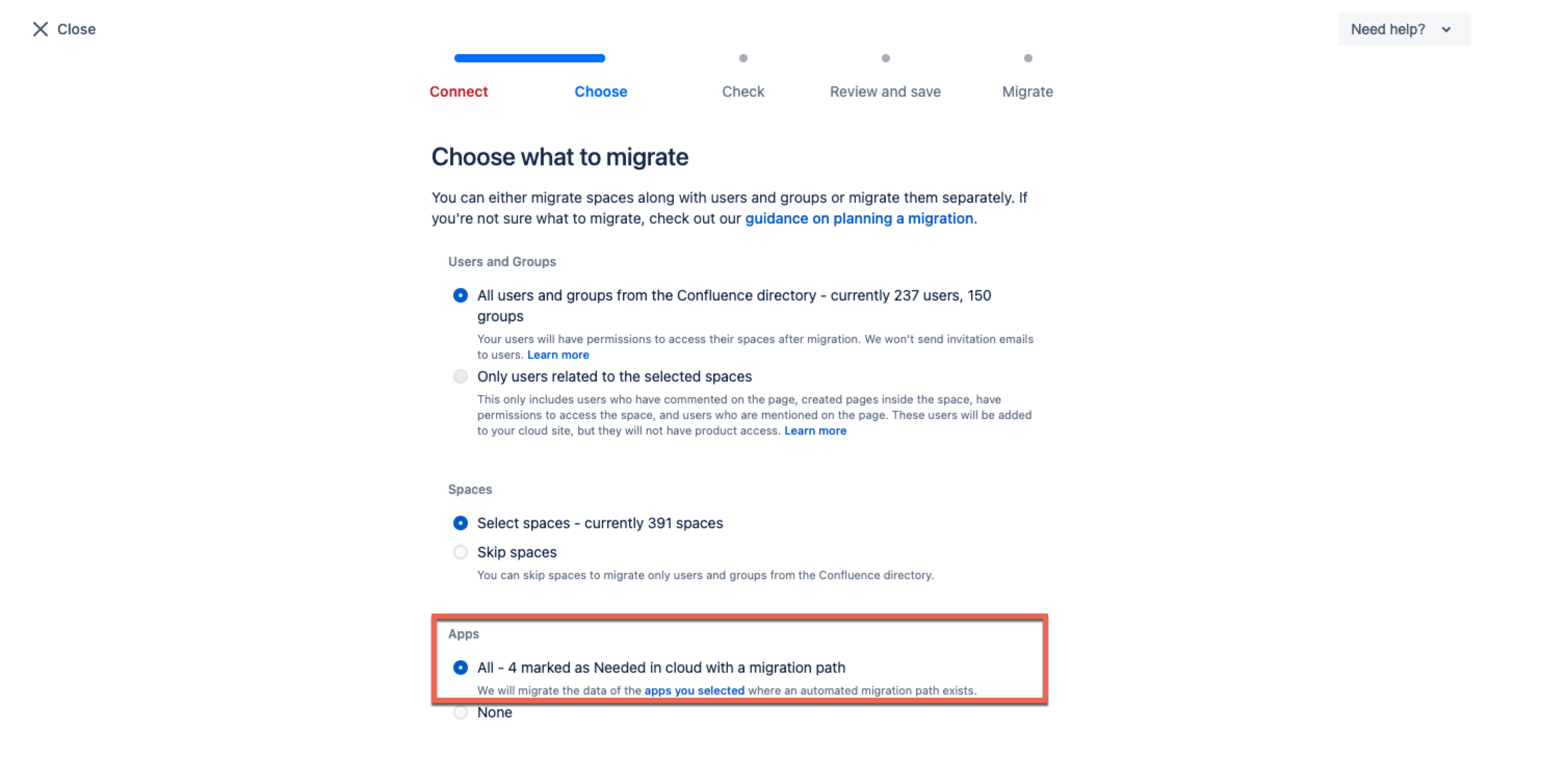
Under "Users and Groups", select "Only users related to the selected spaces" to avoid migrating too many users.
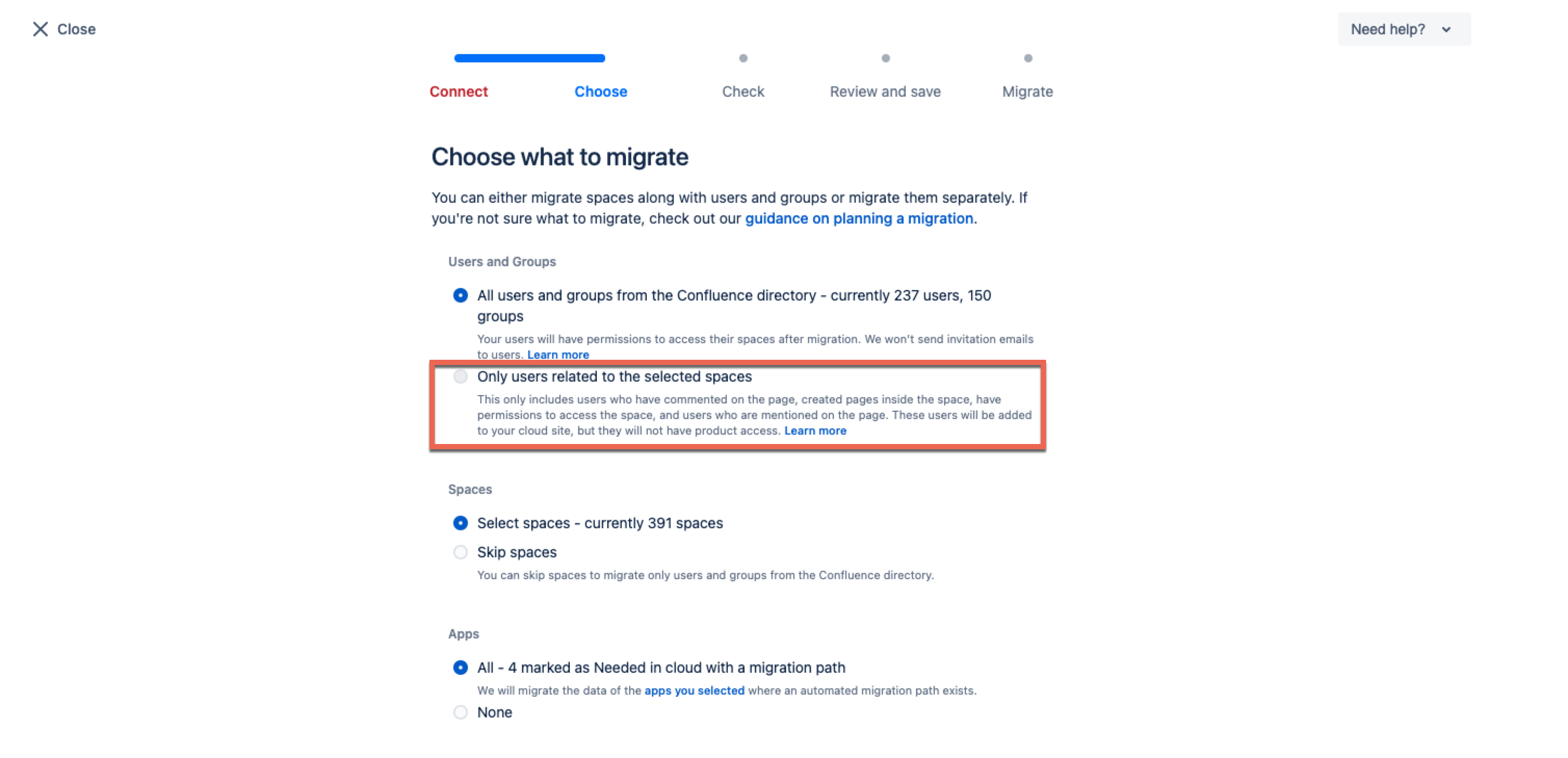
Under "Apps", select "All".
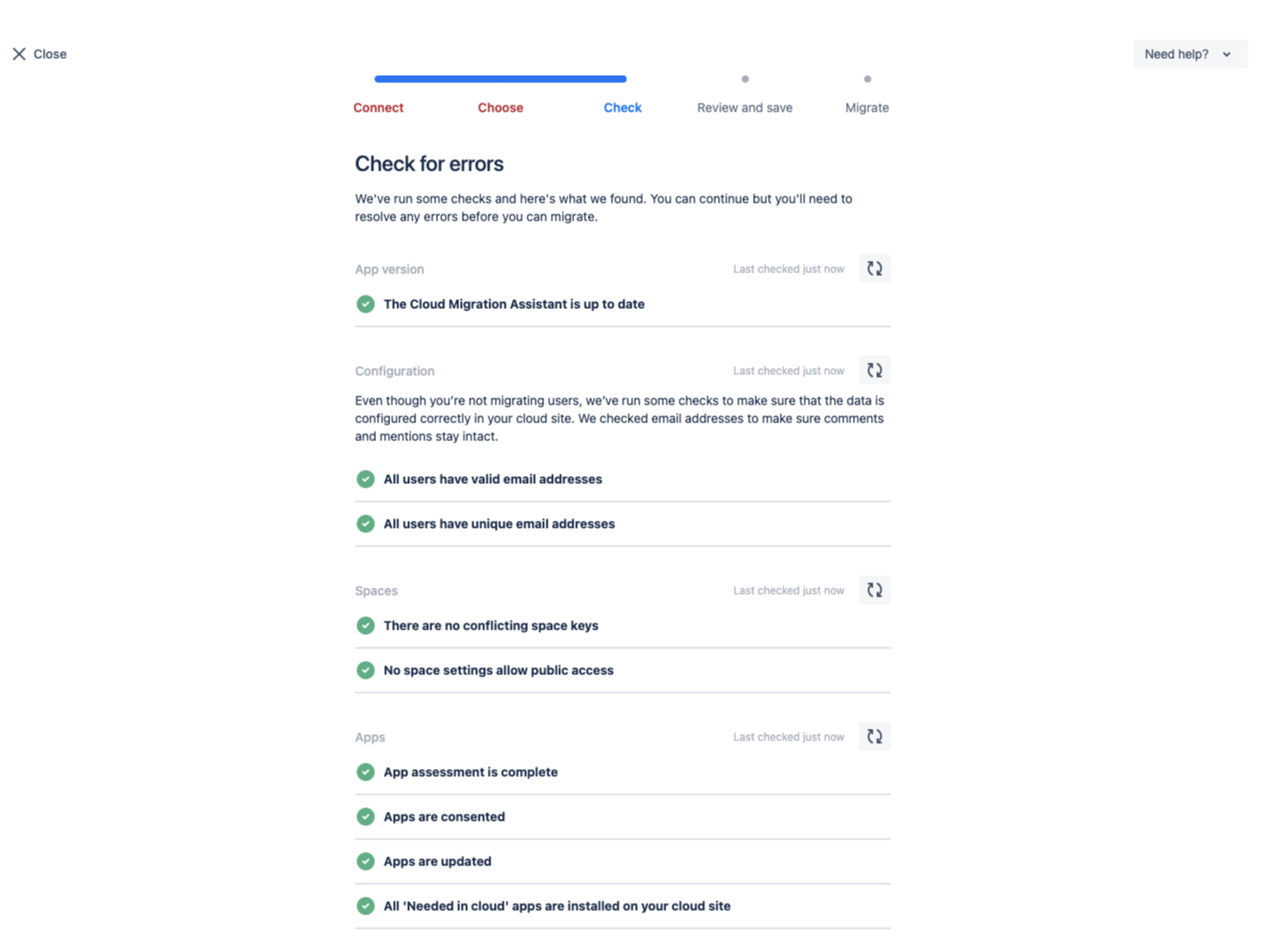
Check for errors. If everything looks fine, tap "Continue".
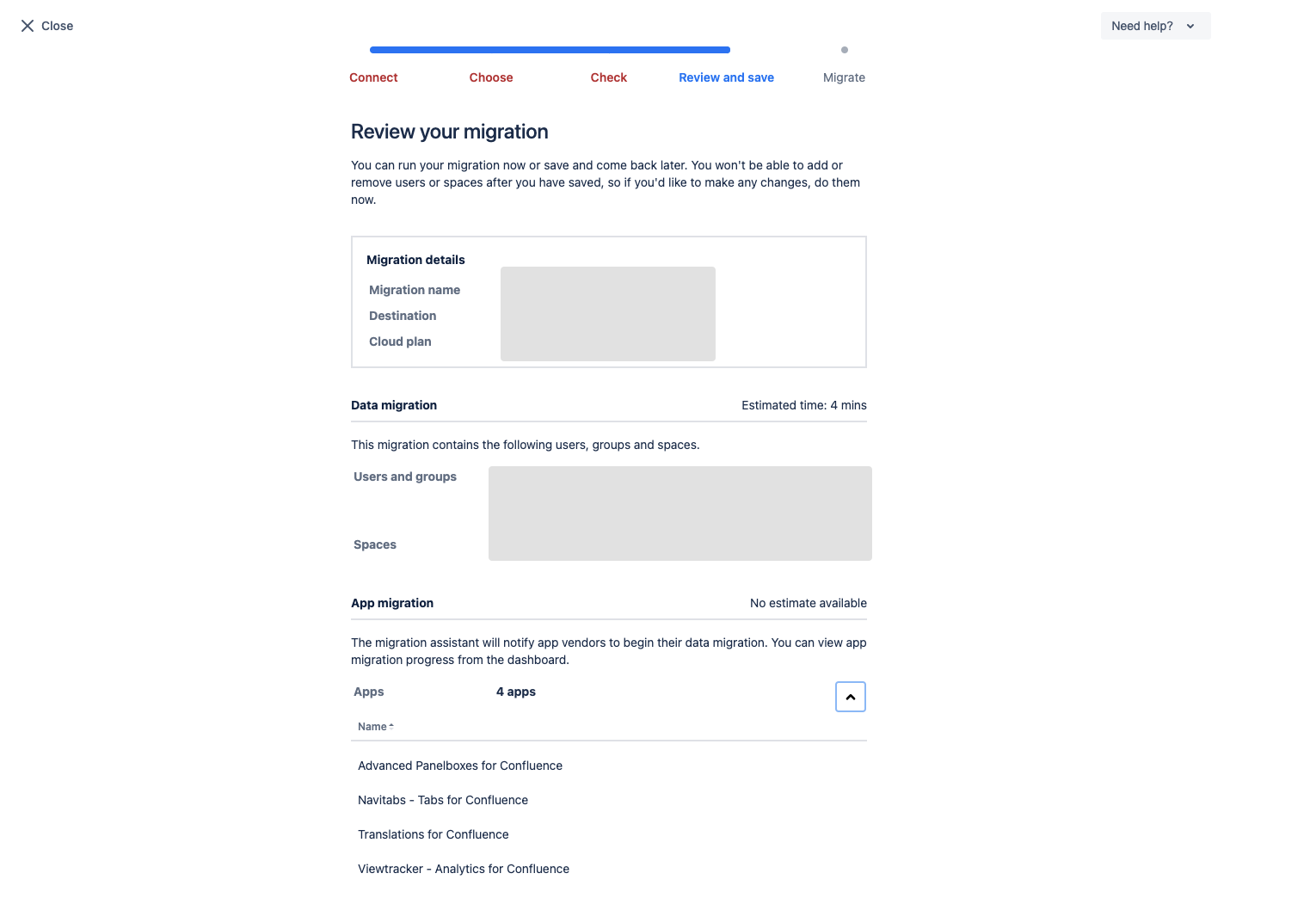
Review all settings. If everything looks fine, tap "Run now".
If everything went well, you will be presented with this success screen:
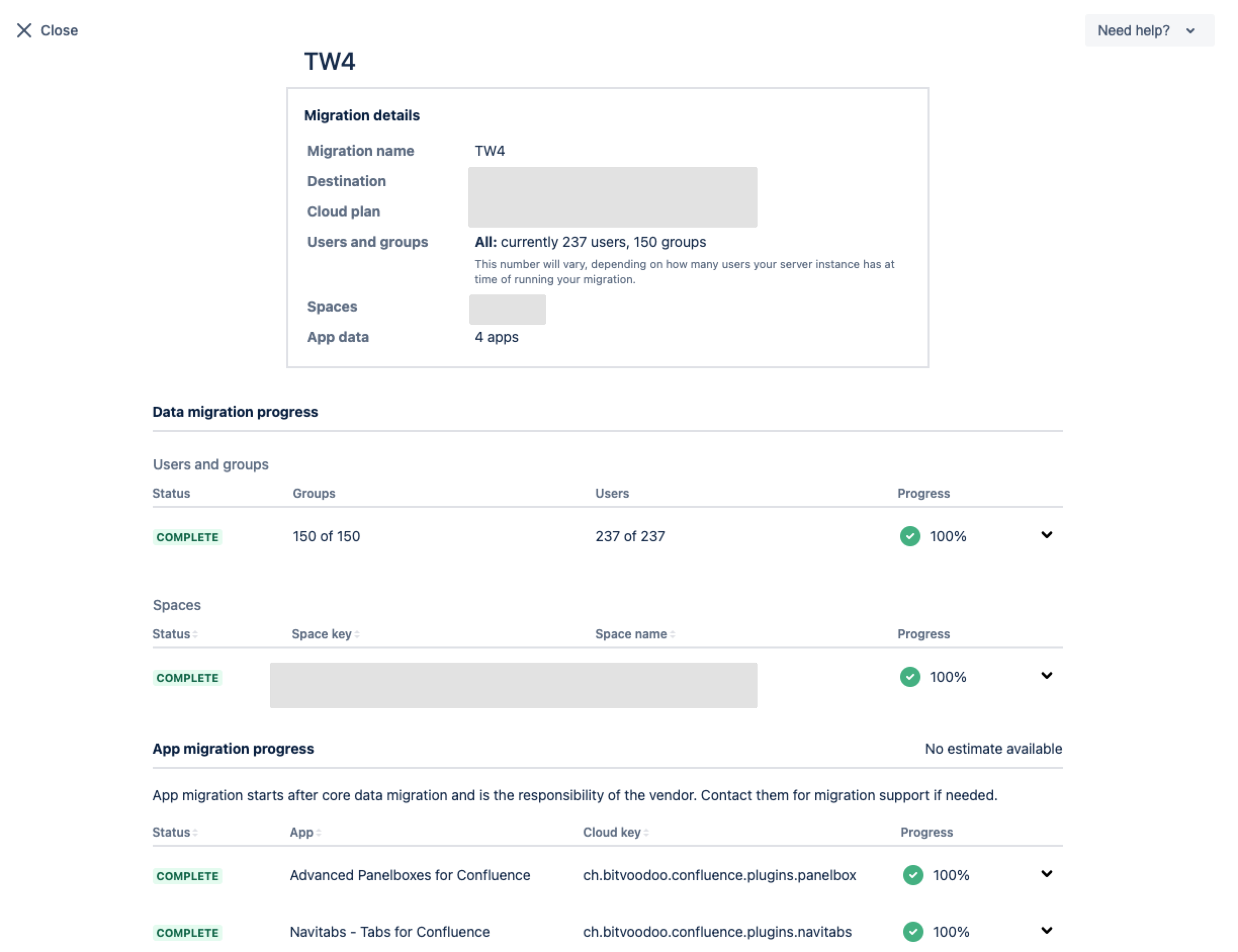
The migration is complete. Pat yourself on the back!
We hope the app migration for the Communardo apps was a complete success. If you encounter any problem, please read below and contact us if the content is not displayed as expected.
Error in the migration process
Navitabs and Translations for Confluence
Some customers have encountered the error message “Migration has failed as the migration path of this app could not be determined” during the migration process of the Commuanrdo apps Navitabs and Translations for Confluence.
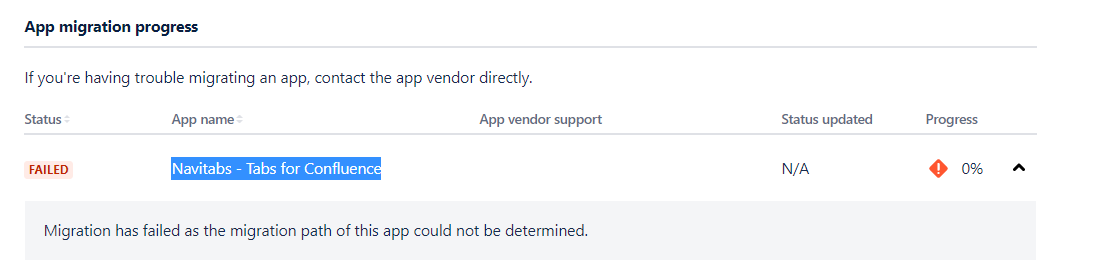
We don’t know why Atlassian will sometimes display this error. Navitabs and Translations macros are all stored within the Confluence content and are, therefore, migrated with the normal content migration.
If you encounter the error above, please check the content on various migrated pages containing Navitabs or Translations macros. The content should appear as you'd expect.
-
If the macro content is displayed, you can safely ignore the error message.
-
If this is not the case, please create a support ticket.
Search Analytics and Attachment Tracking
The apps “Search Analytics” and “Attachment Tracking” are bundled with Viewtracker - Analytics for Confluence. You can ignore the two apps in the migration process and simply select Viewtracker.
⚠️ However, please note that search queries will not be migrated to the Cloud. Please consider exporting and saving this information as a CSV for future reference. We are working on a solution to migrate this data in the future.
Please refer to the Viewtracker migration guide for all details.
Specific migration paths of Communardo apps
We have additional migration information for each Communardo app that is cloud-ready:
- Migrate Advanced Panelboxes to Cloud
- Migrate Viewtracker - Analytics for Confluence to Cloud
- Migrate Navitabs - Navigation Macros for Confluence to Cloud
- Migrate Translations for Confluence to Cloud
- Migrate Communardo apps to Cloud with the Cloud Migration Assistant
- Migrate Enterprise Theme content to the Cloud