
Access the Viewtracker API and find information on Viewtracker integrations.
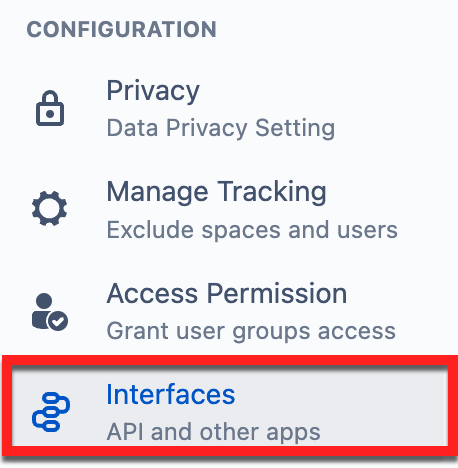
Administrators can access the Interfaces menu via Viewtracker Global Report - Interfaces.
Viewtracker API
This is explained in detail on this page: Viewtracker API
Scroll Sites
Views via K15t’s Scroll Sites can be filtered in Viewtracker.
This is explained in detail on this page: Scroll Sites Tracking on Viewtracker Cloud
Other Apps and Integrations
Viewtracker is compatible with a range of Cloud apps. These are explained below.
Jira Service Management
Views of Confluence content via JSM knowledge base articles are automatically tracked in Viewtracker. They are included in the views metrics.
Sadly, you cannot filter Viewtracker reports for JSM-generated views.
This is due to technical limitations imposed by Atlassian.
However, if you use Viewtracker on Data Center, JSM views can be filtered; see Jira Service Management Portal.
Spacecraft
Views of Confluence content via Seibert Media’s app Spacecraft Theme for Confluence Cloud are automatically tracked in Viewtracker.
Sadly, you cannot filter Viewtracker reports for Spacecraft-generated views since the Confluence Cloud API doesn’t allow this distinction.
Refined for Confluence Cloud
It is possible to track Confluence content viewed via the Refined for Confluence Cloud app. Enabling the "Embedded pages" setting in the Refined app will add the Refined views to the view metrics in Viewtracker.
Unfortunately, you can't filter Viewtracker reports for Refined-generated views, as the Confluence Cloud API doesn’t allow this distinction.