
Please follow the instructions below to connect Scroll Sites and Viewtracker. For additional information and resources, you can also refer to K15t's documentation linked below:
Tracking views from Scroll Sites by K15t
As of spring 2023, Viewtracker can track views from the Scroll Viewport Cloud version and the Scroll Sites.
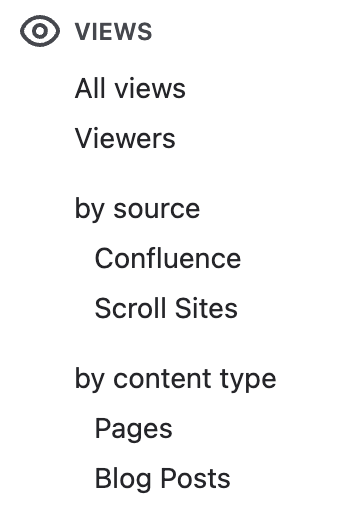
Scroll Sites views can be filtered in the Global, Space Report, and Content & Usage Report by clicking in the box Filters → "Filter views by source" and selecting "Scroll Sites".
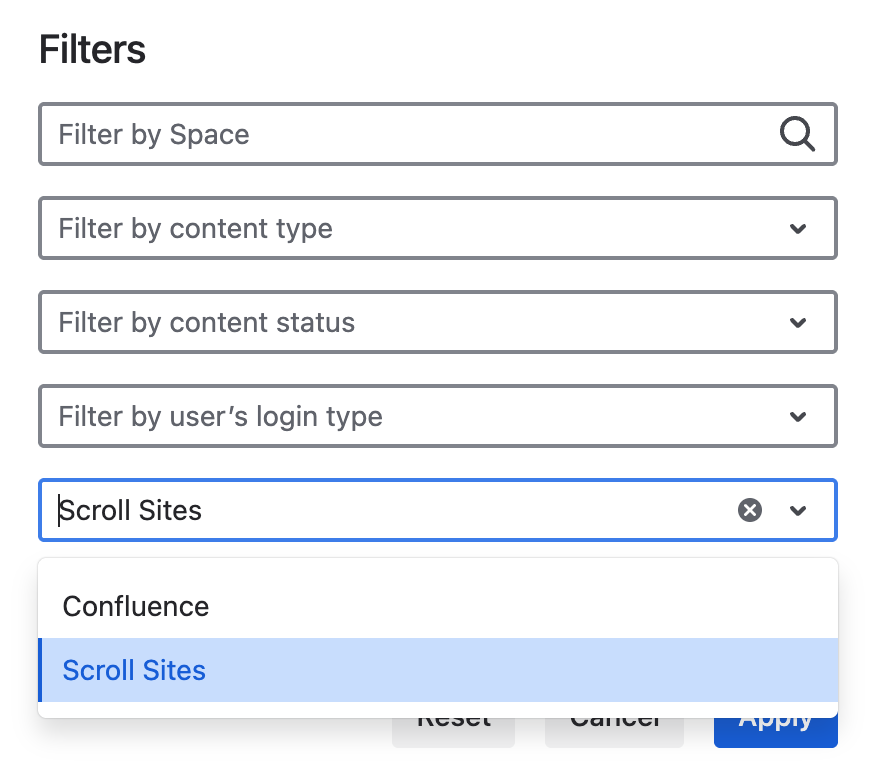
The numbers in the “Views” table will adapt accordingly. The filtered data can also be exported and used in other tools.
What is Scroll Sites?
Scroll Sites is an app from our Partner K15t that shares Confluence content as branded, responsive websites. Learn more about Scroll Sites here: https://help.k15t.com/scroll-sites/introduction
How to connect Viewtracker and Scroll Sites
-
In the Viewtracker menu, navigate to “Interfaces”.
-
In the section “Scroll Sites Cloud”, copy the value in the field “Your token”.
-
In Scroll Sites, access “Analytics Integration” and paste the token in the input field provided for Viewtracker.
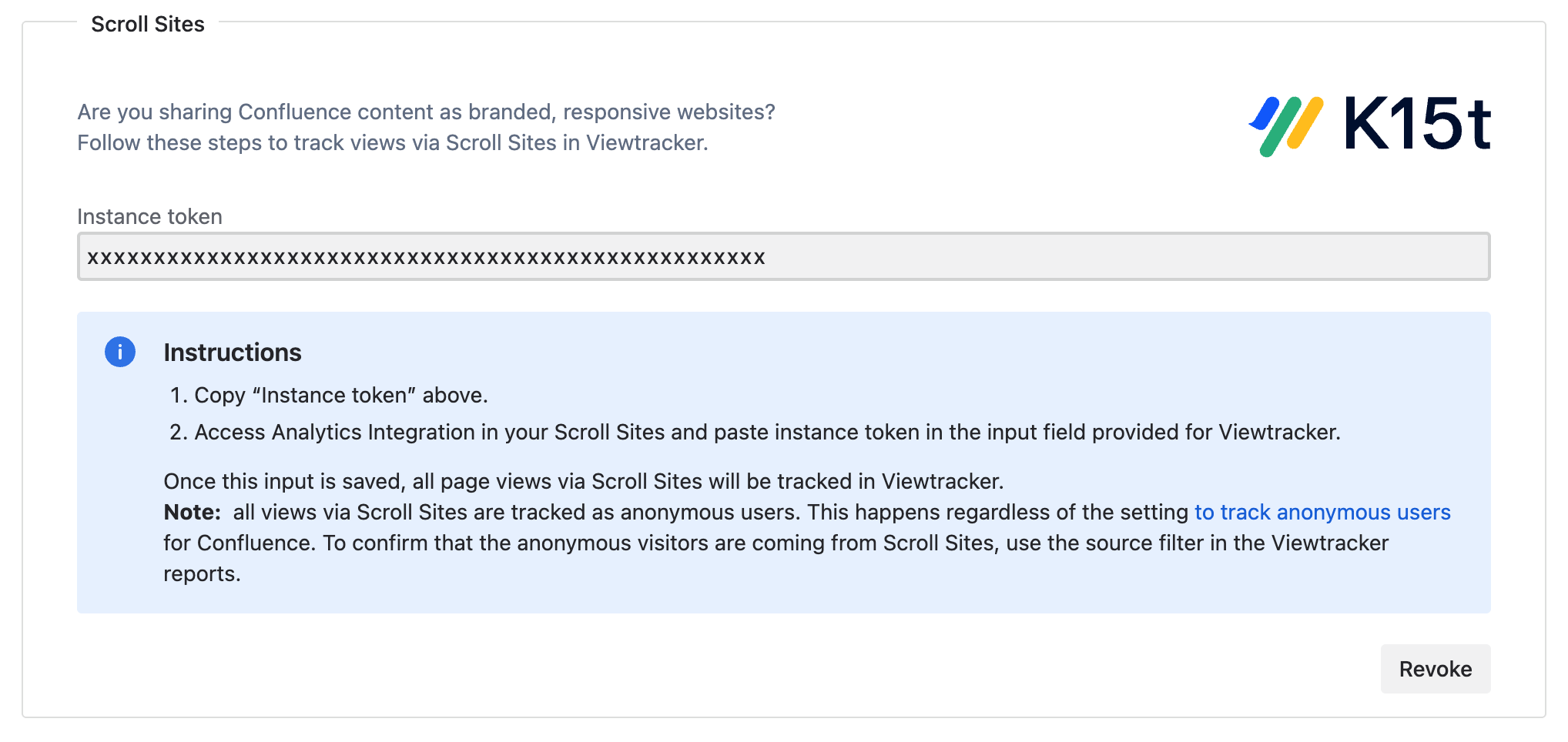
Once this input is saved, all Confluence page views via Scroll Sites will be tracked in Viewtracker.
You can revoke the token at any point if it is compromised. This will deactivate the existing token and generate a new one. If you revoke the token, the views via Scroll Sites will no longer be tracked in Viewtracker. If you want to have the views counted again, you must replace the previous token in Scroll Sites with the new one.
Related content