
Data Privacy Settings
Four data privacy settings are available in Viewtracker DC/Server.
With the Confluence Administrator's permission, you can define which privacy setting suits your company best.
-
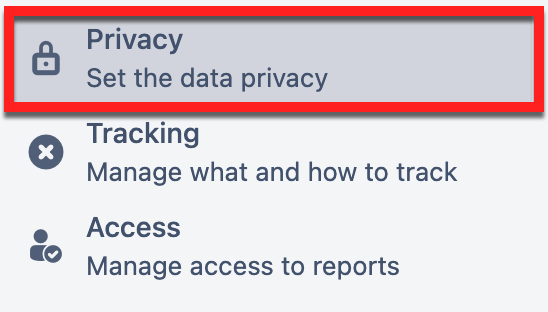
Access the privacy settings via ⚙ → Analytics Cockpit → Privacy
-
Choose your privacy setting by dragging the slider to the left or right. The setting will be saved automatically.
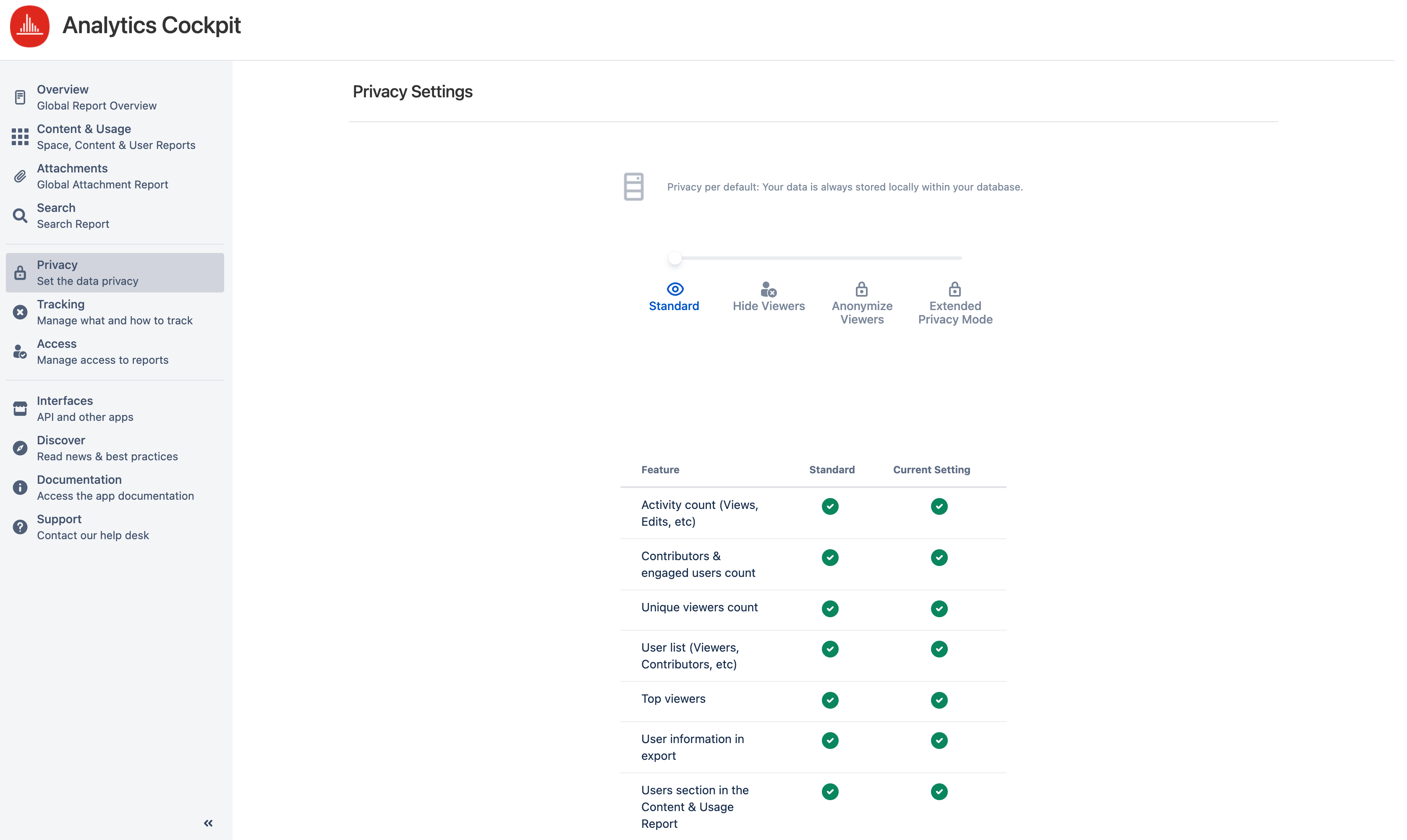
The four settings to choose from are
This table provides an overview of the various features per privacy setting. Click on the list above for more detail on each privacy setting.
|
Feature |
Standard |
Hide Viewers |
Anonymize Viewers |
Extended Privacy Mode |
|---|---|---|---|---|
|
Activity count (Views, Edits, etc.) in reports |
|
|
|
|
|
Contributors &
|
|
|
|
|
|
Unique viewers count in reports |
|
|
|
|
|
User list (Viewers, Contributors, etc.) in reports |
|
only for defined group |
|
|
|
Users section in the Content & Usage Report |
|
only for defined group |
|
|
|
Top viewers in Global & Space Report |
|
only for defined group |
|
|
|
User name in export |
|
only for defined group |
|
|
If you are looking for bitvoodoo's Privacy Policies, please click here: Privacy Policies